DESK POWER MANAGEMENT: MOUNT YOUR POWER AND KILL THE CABLE CLUTTER
DEPLOYED: AUGUST 2026 - SECTOR: DESK ACCESSORIES
BY: J. MAC (LEAD BATTLESTATION ARCHITECT)
The standard advice is to buy a bigger surge protector. More outlets, more joules, done. It is wrong. The real problem is where your power lives. A floor strip is a trip hazard, a dust magnet, and a cable dangle you never look at.
The fix is mounting your power at the desk edge. A clamp-style power strip grips the desk and puts outlets and USB-C ports within arm's reach. No bending under the desk. No kicking a strip loose. Before you buy, run your desk measurements through our calculator so you know your layout before routing power around it.
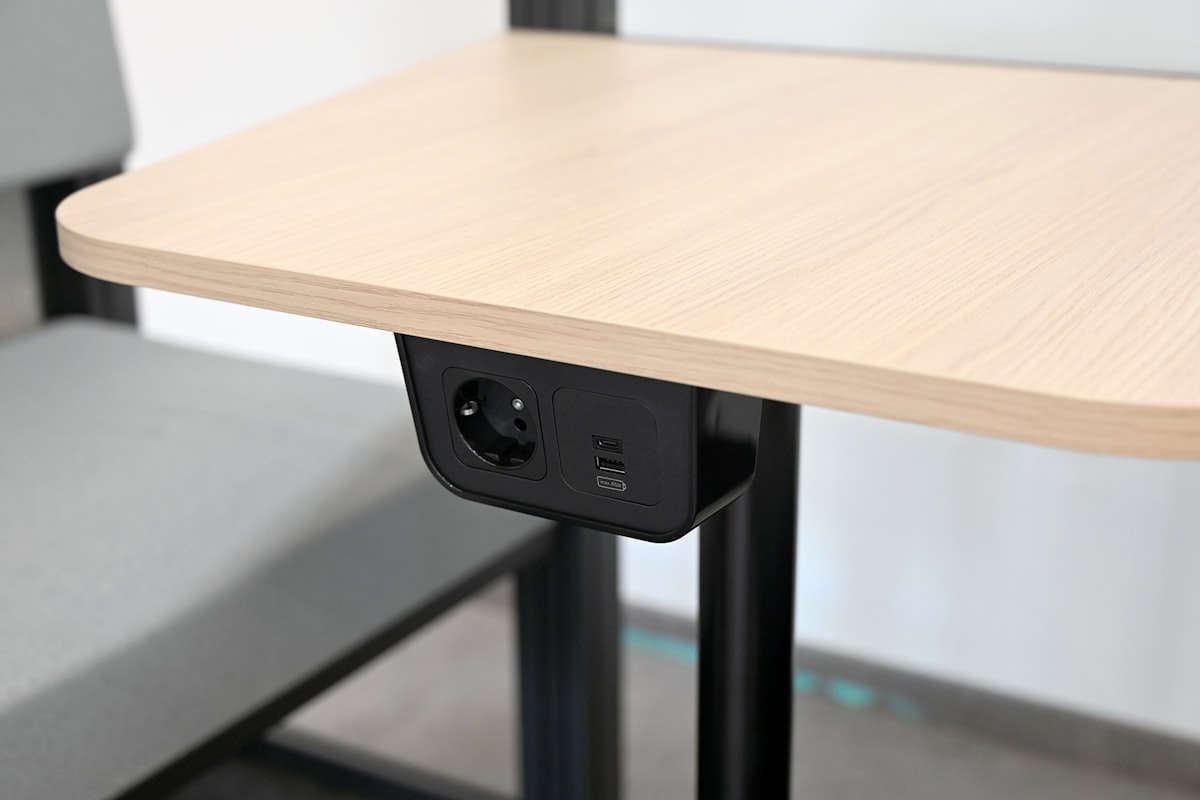
An integrated power outlet puts AC and USB-C ports right at the desk surface, the same reach-your-power idea as a clamp strip.
01 // The Floor Power Strip Is a False Economy
A $20 power strip on the floor works, technically. But every device cable then runs from the desk to the floor and back, extra length you pay for and one more thing to snag with a chair wheel. On a sit-stand desk, the strip stays put while the desk rises 20 inches, and every cable is suddenly too short.
Mount the strip on the desk and it travels with the desk. One cable runs down to the wall outlet. Everything else stays put. This is the same logic as our standing desk cable management guide: power and cables both need to move with the desk.
02 // The Desk-Clamp Form Factor, Explained
The desk-clamp power strip is the product story of 2026. Anker launched the Nano Power Strip, a 10-in-1 unit that clamps to the desk edge like a monitor arm, and it has been everywhere this week. The screw-tightened C-grip fits desks from 0.4 to 2 inches thick, no drilling, and it pops off in seconds.
Why it matters: outlets you can reach. Plugging in a laptop charger or a headphone dock takes one hand and zero crawling. Pair it with a monitor riser and you can hide the strip behind it while keeping the USB ports exposed.
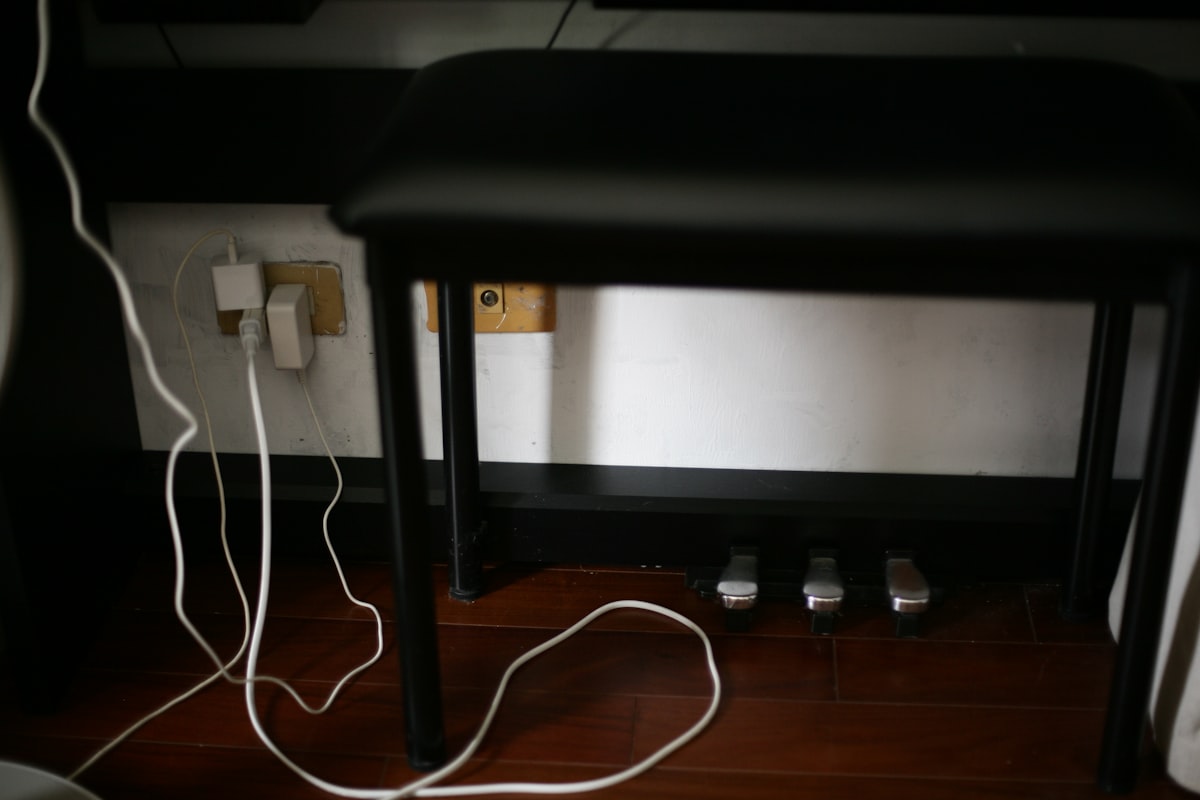
Cables trailing on the floor are the whole problem. Mounting power at the desk edge keeps them off the ground and out of sight.
03 // The Six Strips Worth Your Money
Here is the field, from clamp-style flagship to budget flat-plug. Joule ratings matter less than you think, but I included them because everyone asks.
| Model | Mount Style | AC Outlets | USB / PD | Joule Rating | Price |
|---|---|---|---|---|---|
| Anker Nano Power Strip | Desk clamp | 6 | 2 USB-C (65W) + 2 USB-A | Not marketed | $56-70 |
| Tessan Desk Clamp | Desk clamp | 8 | USB-C PD + USB-A | 2,100J | ~$25 |
| Tripp Lite TLP606DMUSB | Desk clamp | 6 | 2 USB-A | 1,080J | ~$35 |
| Belkin PivotPlug 12-Outlet | Floor / wall | 12 | None | 3,940J | ~$35 |
| APC SurgeArrest Performance | Floor / wall | 11 | 2 USB-A | 2,880J | ~$30 |
| HANYCONY 8-Outlet Flat Plug | Wall / tight gaps | 8 | USB-C PD + USB-A | ~1,700J | ~$20 |
04 // Deep Dive: Anker Nano Power Strip (The Flagship)
The Nano made desk-clamp power a category. The clamp feels more like a monitor arm mount than a power strip. The 65W USB-C PD port runs a laptop, replacing a wall charger entirely. The catch: at $56 to $70 it is the priciest strip here, and Anker publishes no joule rating, which annoys the spec-hunters.
THE UPGRADES (PROS)
- 65W USB-C PD charges a laptop without a wall wart
- Tool-free clamp, moves desks in seconds
- 10-in-1 port density in a compact footprint
THE TRADEOFFS (CONS)
- Most expensive strip in the category
- No published joule rating
05 // The Value Picks: Tessan and Tripp Lite
If you want the clamp form factor without the flagship tax, the Tessan Desk Clamp at $25 is the move: eight AC outlets, USB-C PD, 2,100 joules, and a 10-foot cord, the part nobody thinks about until their outlet is 9 feet away. The Tripp Lite TLP606DMUSB is Wirecutter's long-running pick, the one to buy for a lifetime warranty over port count.
THE UPGRADES (PROS)
- Tessan: $25 with USB-C PD and a 10-foot cord
- Tripp Lite: lifetime warranty and proven reliability
THE TRADEOFFS (CONS)
- Tessan: plastic clamp feels less premium
- Tripp Lite: USB-A only, no fast charging
06 // What Actually Matters: Joule Ratings and the One-Cable Rule
Here is the honest take on joules: the number tells you how much surge energy the strip absorbs before its protection dies, not whether it saves your gear from a lightning strike. Nothing stops a direct hit. For a home office, 1,000 to 2,000 joules is plenty. The Belkin PivotPlug at 3,940 is overkill for most desks, but at $35 and built like a brick, it earns its place if you run a tower plus a monitor stack.
The real spec is the mounting. A strip you crawl under the desk to reach stays unplugged and gathers dust. A strip at the desk edge gets used. Once power is mounted, tie it into the setup: a USB-C docking station consolidates peripherals into one cable, and a monitor arm routes display cables through its channel.

The end state: one cable to the wall, everything else mounted at the desk edge or tucked underneath.
07 // The Final Verdict
For the clamp form factor with fast charging, buy the Anker Nano Power Strip. It is the best-built and the only one that charges a laptop. For 80% of that under $30, the Tessan Desk Clamp is the value king, and the Tripp Lite is the buy-it-once pick.
If you do not need a clamp, the Belkin PivotPlug and the APC SurgeArrest are both excellent floor strips you can bolt into an under-desk tray. Obey the one-cable rule, pair it with a standing desk with real cable management, and run the ergonomic calculator to lock in desk and monitor heights before finalizing the routing.
Dial In Your Setup Before You Mount Power
Your desk height and monitor distance decide where cables and power should live. Find your exact ergonomic numbers first, then route power around them.
RUN THE CALCULATOR| Rank | Model | Best For | Price |
|---|---|---|---|
| 1 | Anker Nano Power Strip | Best overall, clamp + 65W PD | $56-70 |
| 2 | Tessan Desk Clamp | Best value clamp | ~$25 |
| 3 | Tripp Lite TLP606DMUSB | Lifetime warranty | ~$35 |
| 4 | Belkin PivotPlug | Maximum outlets, tower + monitors | ~$35 |
| 5 | APC SurgeArrest Performance | Enterprise brand, equipment warranty | ~$30 |
| 6 | HANYCONY Flat Plug | Budget, tight desk gaps | ~$20 |