BEST MONITOR ARMS OF 2026: SINGLE, DUAL & ULTRAWIDE MOUNTS COMPARED
DEPLOYED: MAY 2026 • SECTOR: ERGONOMIC HARDWARE
BY: J. MAC (LEAD BATTLESTATION ARCHITECT)
A monitor arm costs less than a good chair yet transforms your desk more. It lifts your screen off the stock stand, reclaims the dead zone underneath, and locks your display at the exact focal height your eyes and spine need. We compared six arms from $35 to $180 , here's which one belongs on your desk. For the full picture, our ergonomic desk setup guide covers every component from desk surface to lighting. If you have already dialed in your desk depth for ultrawide panels, the right arm is the final piece of the ergonomic puzzle.

A properly mounted monitor arm reclaims desk real estate and locks in perfect ergonomic alignment.
01 // Why Every Desk Needs a Monitor Arm
The stock monitor stand consumes 80-120 square inches of prime real estate in front of you , space that could hold a notepad, a dock, or nothing at all (negative space is a battlestation aesthetic, not a luxury). A monitor arm frees that surface, enables infinite height and tilt beyond the built-in range, and rotates to portrait for coding or document review.
For standing desk users, arms are non-negotiable. When your sit-stand desk transitions from sitting to standing height, a fixed stand forces you to look down , defeating the ergonomic purpose. A gas-spring arm moves with the desk, keeping your eyeline locked at the top third of the screen.
02 // Spec Comparison: 6 Arms Head-to-Head
| Model | Weight Capacity | Screen Size | Mount Type | Price |
|---|---|---|---|---|
| Amazon Basics Single | 25 lbs | Up to 32" | Clamp / Grommet | $35-40 |
| HUANUO Dual Arm | 17.6 lbs/arm | 13"-32" | C-Clamp | $50-70 |
| Ergotron LX | 25 lbs | Up to 34" | Clamp / Grommet | $150-180 |
| monTEK Ultrawide | 59.4 lbs | 17"-57" | C-Clamp | $75-110 |
| VIVO Quad Arm | 22 lbs/arm | 13"-32" | C-Clamp / Freestanding | $90-120 |
| WALI Laptop + Monitor | 22 lbs (arm) + 11 lbs (tray) | Up to 32" + 17" laptop | C-Clamp | $40-60 |
03 // Budget Tier: Amazon Basics & HUANUO
Amazon Basics Single Monitor Arm
With 50,000+ reviews averaging 4.5 stars, this gas-spring arm handles monitors up to 25 pounds and 32 inches. It ships with both C-clamp and grommet hardware , a feature $100+ competitors often charge extra for. The matte black aluminum build vanishes behind your display, which is exactly what a monitor arm should do.
THE UPGRADES (PROS)
- Unbeatable price-to-performance at $35
- Includes both clamp and grommet hardware
- Gas spring holds position without drift
THE TRADEOFFS (CONS)
- Single monitor only , no expansion path
- Cable channels are shallow for thick power bricks
CHECK AMAZON BASICS ARM ON AMAZON
HUANUO Dual Monitor Arm
HUANUO's gas-spring dual arm is the bestseller sweet spot. Each arm holds 17.6 pounds independently with fingertip adjustment, and USB pass-through ports on the base are a thoughtful touch at this price. The single C-clamp center pole minimizes desk footprint. Note: a 34-inch ultrawide often exceeds 17 pounds without its stand, so check your panel's weight before buying.
THE UPGRADES (PROS)
- Independent gas spring on each arm
- USB ports integrated into the base
- 360-degree rotation for portrait orientation
THE TRADEOFFS (CONS)
- 17.6 lb limit per arm rules out heavy ultrawides
- Center-pole design limits horizontal range
CHECK HUANUO DUAL ARM ON AMAZON
Whichever arm you choose, the cables running to your monitors need management too. A standing desk cable management system routes power and display cables along the arm itself, keeping them invisible from the front and preventing snags during height adjustments.
04 // Premium Tier: Ergotron LX & monTEK Ultrawide

Premium arms use polished internal cylinders and metal-on-metal joints that hold position for years without sag.
Ergotron LX
The Ergotron LX has been the gold standard for over a decade. Its Constant Force calibrated internal spring holds 7-25 pounds without requiring tension adjustment when you swap monitors. The polished aluminum finish, 10-year warranty, and friction-free tilt mechanism justify the premium. This is the arm you buy once and forget exists , the highest compliment in ergonomic hardware.
THE UPGRADES (PROS)
- Constant Force tech , no tension tuning needed
- 10-year warranty with proven longevity
- Buttery-smooth motion at every articulation point
THE TRADEOFFS (CONS)
- Single-monitor only at this price point
- $180 price tag is 4x the Amazon Basics arm
monTEK Ultrawide Arm
Rated for 59.4 pounds and compatible with screens from 17 to 57 inches, the monTEK is the dark horse of this comparison. Trending on r/buildapcsales, it has become the go-to recommendation for Samsung Odyssey G9 and 49-inch ultrawide owners. Warning: the gas spring is tuned for heavy panels , lightweight 24-inch monitors will fight the mechanism.
THE UPGRADES (PROS)
- 59.4 lb capacity , handles any consumer display
- 57-inch max compatibility covers all ultrawides
- Strong Reddit community validation
THE TRADEOFFS (CONS)
- Overkill for standard 24-27 inch monitors
- Requires a sturdy desk , 60-pound monitor + arm = serious leverage
CHECK MONTEK ULTRAWIDE ARM ON AMAZON
05 // Multi-Monitor Specialists: VIVO Quad & WALI Combo
| Model | Best For | Screens Supported | Max Weight/Arm | Price |
|---|---|---|---|---|
| VIVO Quad | Traders, streamers, multi-monitor power users | 4 × up to 32" | 22 lbs | $90-120 |
| WALI Laptop + Monitor | Remote workers, hybrid laptop+desktop setups | 1 monitor (32") + 1 laptop (17") | 22 lbs + 11 lbs | $40-60 |
The VIVO Quad offers a freestanding base option , critical for desks that cannot safely clamp a four-arm assembly. Many setups with shallow depth profiles or glass tops benefit from this distributed-weight design. Meanwhile, the WALI Combo solves the laptop-plus-monitor workflow: the laptop tray sits at eye-level alongside your display, eliminating the hunched-over-laptop posture that plagues remote workers.
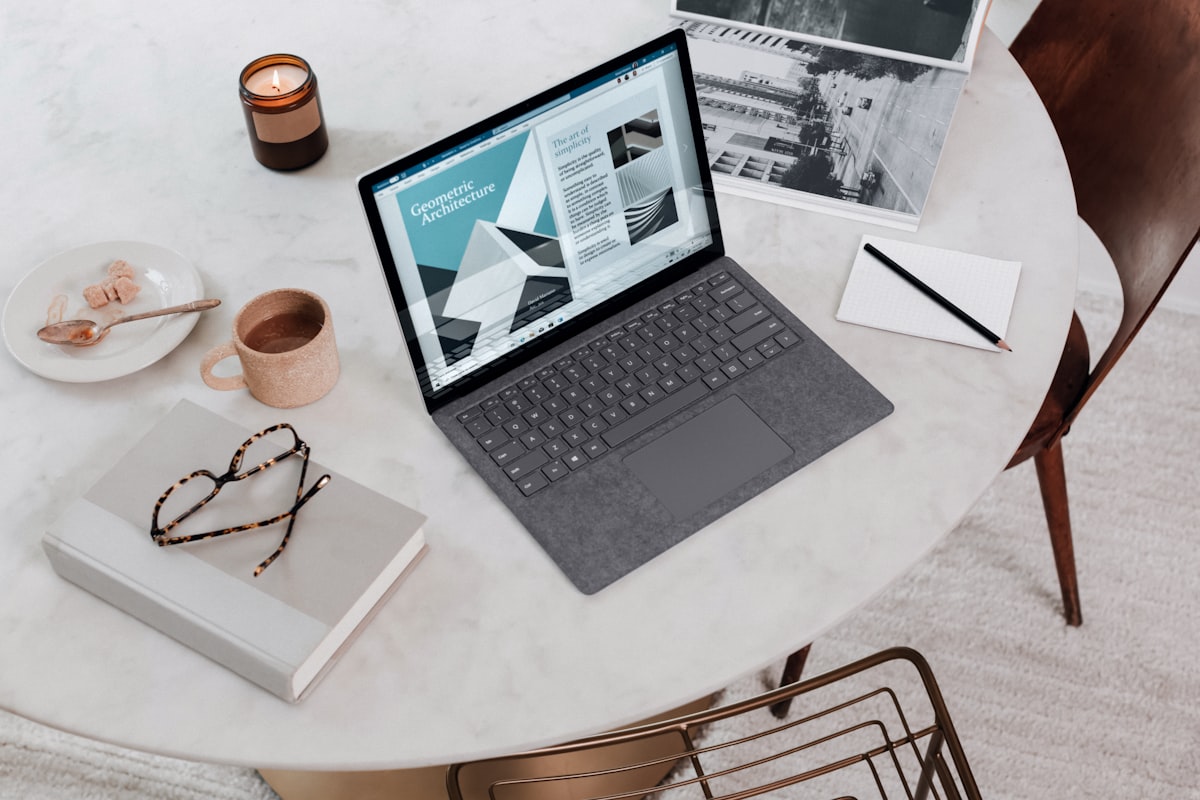
A laptop-and-monitor combo arm brings both screens to eye level , no more hunching over a 13-inch laptop screen.
CHECK WALI COMBO ARM ON AMAZON
06 // Clamp vs Grommet: How to Mount Without Destroying Your Desk
A C-clamp grips the desk edge , fast to install, no drilling, but needs at least 1.5 inches of overhang. A grommet mount inserts through a cable hole and bolts underneath , more secure for heavy arms, works against walls, but requires a grommet hole.
| Mount Type | Installation | Desk Compatibility | Stability | Best Arm That Includes It |
|---|---|---|---|---|
| C-Clamp | 5-minute tool-free install | Desks with edge overhang ≥ 1.5" | Good for arms under 20 lbs | HUANUO Dual |
| Grommet | Requires grommet hole or drill | Any desk with a cable pass-through | Superior for heavy ultrawide arms | Amazon Basics / Ergotron LX |
| Freestanding Base | Zero desk modification | Glass, thin, or wall-flush desks | Good if base is weighted | VIVO Quad (optional base) |
07 // BEST MONITOR ARM FOR ULTRAWIDE DISPLAYS (34-49 INCHES)
Ultrawide monitors break the physics that standard monitor arms were designed for. A 34-inch ultrawide weighs 15-20 pounds. A 49-inch Samsung Odyssey G9 weighs 33 pounds without the stand. Most budget arms rated for "up to 32 inches" will hold a 34-inch ultrawide on paper but will sag, drift, or fail entirely because the weight distribution on a curved ultrawide panel sits farther forward than the arm's pivot point was designed to handle.
The critical specification for ultrawide arms is not just weight capacity , it is the pivot tension range. Curved ultrawide panels create forward torque that budget gas springs cannot counter. The monTEK Ultrawide Arm at $80-100 is the dedicated answer, rated for 59.4 pounds and panels up to 57 inches. Its gas spring is factory-tuned for the 20-40 pound range where ultrawides live, meaning it holds position without drift. The Ergotron HX at $250-300 is the enterprise-grade alternative with a 42-pound rating and the HD pivot that specifically addresses the G9's forward-leaning weight distribution.
For 34-38 inch ultrawides: The Amazon Basics Premium Single Arm at $100-120 handles up to 25 pounds and 32 inches officially, but in practice handles 34-inch ultrawides under 18 pounds without issue , the gas spring has enough headroom. Pair with a standing desk with 350+ pound capacity because the combined lever force of a heavy arm plus a heavy monitor at full extension can flex a budget desktop.
08 // SINGLE VS DUAL VS TRIPLE MONITOR ARM: HOW TO CHOOSE
The monitor arm configuration you pick has downstream effects on desk stability, cable management complexity, and whether you can actually position your screens where your eyes need them. The wrong choice creates a setup you fight against every day.
Single arm: Best for one primary monitor plus a laptop on a stand. The Amazon Basics Single Arm at $35 is the value king. Single arms give you independent positioning per monitor , the key advantage is that you can angle each screen toward your dominant eye independently. The tradeoff: each arm needs its own clamp or grommet mount, which means two desk-edge contact points and more cable routing. A single arm plus a laptop stand is the cleanest dual-screen setup for most knowledge workers.
Dual arm (single pole): Best for matching 24-27 inch monitors with symmetrical placement. The HUANUO Dual Arm at $55 gives you two independent gas-spring arms from one clamp , fewer desk contact points, cleaner cable routing, but less flexibility in monitor positioning because the arms share a center pole. The limitation: monitors larger than 27 inches on a dual arm cannot be pushed close enough together for seamless bezel-to-bezel alignment without the arms colliding at the pole. For productivity work with matching displays, dual arms are ideal. For gaming with one ultrawide center monitor, skip dual arms and go single arm per display.
Triple/Quad arms: Only if you genuinely use three or more monitors for workflow-specific reasons (day trading, video editing, NOC monitoring). The VIVO Quad Arm at $85 handles four 24-inch displays. The ergonomic reality: three-plus monitors create a wall of screens that requires head rotation exceeding comfortable neck range. Most users get more productive benefit from two large monitors (27-32 inches) plus virtual desktops than from three-plus smaller monitors. If you do go triple, complement your arm setup with an extended desk mat that covers the full width of your keyboard-and-mouse zone across all three displays.
09 // The Final Verdict
For a single monitor at maximum value, the Amazon Basics Single Arm at $35 is unbeatable , 50,000+ reviewers confirm it holds position. For dual-monitor users, the HUANUO Dual Arm at $55 delivers independent gas-spring adjustment per arm with integrated USB , features that cost $120 three years ago.
If you own a 49-inch ultrawide, the monTEK Ultrawide Arm handles 60 pounds effortlessly , just ensure your desk can take the leverage. And if you adjust your monitor multiple times per day and want a component that outlasts everything else on your desk, the Ergotron LX with its 10-year warranty remains the gold standard. For the complete ergonomic picture, your keyboard choice matters too , adjustable actuation keyboards pair beautifully with a monitor at the correct height. Plug your measurements into the SmartDeskDojo Ergonomic Calculator and get your exact setup dialled in.
IS YOUR MONITOR AT THE RIGHT HEIGHT?
An arm is only half the equation. Use the Battlestation Ergonomic Calculator to determine your mathematically optimal monitor height, distance, and desk position based on your body measurements. Stop guessing , start measuring.
LAUNCH CALCULATOR