BEST MONITOR LIGHT BARS 2026: BENQ HALO 2 VS QUNTIS VS EVERY BUDGET
DEPLOYED: MAY 2026 • SECTOR: ERGONOMIC ACCESSORIES
BY: J. MAC (LEAD BATTLESTATION ARCHITECT)
The BenQ ScreenBar Halo 2 costs $150. A Quntis ScreenLinear Pro costs $40. After eight hours, your eyes cannot tell the difference in brightness , but they can tell the difference in fatigue. A monitor light bar casts asymmetric light onto your desk while leaving the screen glare-free, a trick no desk lamp can replicate.
We analyzed seven light bars across three price tiers on the metrics that matter: CRI, color temperature range, lux at the keyboard deck, clamp compatibility with thin-bezel monitors, and USB power draw. Before lighting your setup, run your monitor height and desk depth through our ergonomic calculator , your eye-to-screen distance determines how much light you actually need.
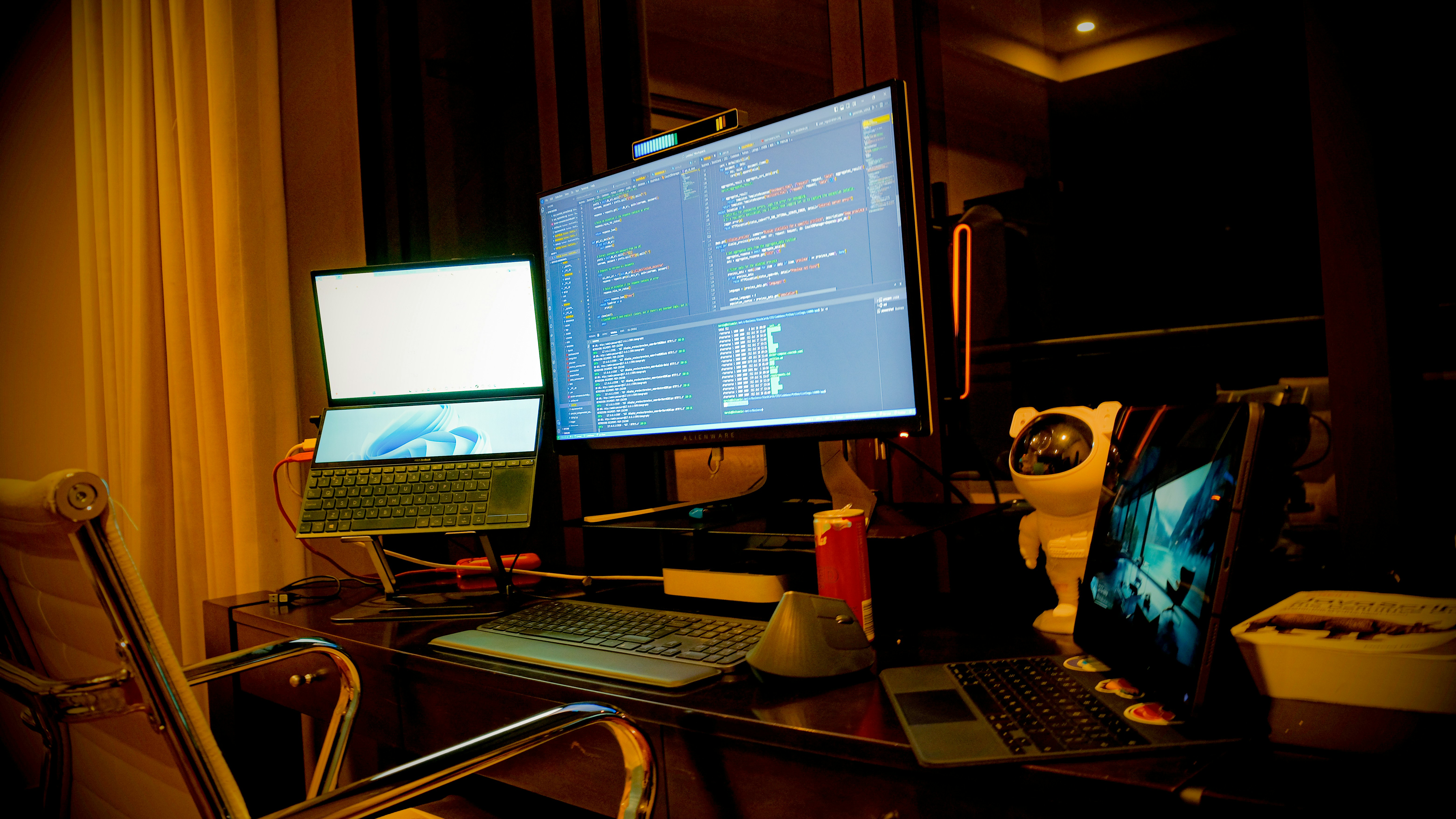
A dark-themed dual-monitor workspace , the kind of setup where asymmetric lighting from a monitor light bar eliminates screen glare and eye strain during late-night sessions.
01 // THE FULL LINEUP: EVERY BAR AT A GLANCE
| Product | Price | CRI | Color Temp | Key Feature |
|---|---|---|---|---|
| BenQ ScreenBar Halo 2 | $130-160 | 95+ | 2700K-6500K | Wireless puck, backlight, motion sensor |
| BenQ ScreenBar Pro | $110-130 | 95+ | 2700K-6500K | 1000+ lux, USB-C, touch controls |
| Quntis ScreenLinear Pro | $35-45 | 95+ | 3000K-6500K | Remote puck, auto-dimming, 45-min timer |
| Quntis Curved RGB | $50-65 | 95+ | 3000K-6500K | Dual-bar foldable for 1000R-3000R curved |
| Quntis PRO+ | $25-35 | 95+ | 3000K-6500K | Auto-dimming, budget price |
| SAMPHON RGB | $20-30 | 90+ | 2900K-6000K | RGB modes, touch control |
| Xiaomi Mi Light Bar | $50-70 | 90+ | 2700K-6500K | 2.4GHz wireless puck, established brand |
The CRI gap between 90+ and 95+ is subtle but real , colors under 95+ CRI look truer to daylight, which matters for designers and anyone handling physical samples at their desk. The Quntis lineup hits 95+ across every tier, a feat BenQ used to own exclusively.
02 // DEEP DIVE: BENQ SCREENBAR HALO 2 (PREMIUM BENCHMARK)
The Halo 2 is the category reference. Its wireless puck controller sits on your desk and adjusts brightness and color temperature with a rotary dial. The rear-facing backlight fills the wall behind your monitor, reducing the contrast between a bright screen and a dark room , the primary driver of evening eye strain. A motion sensor auto-wakes the bar when you sit down.
THE UPGRADES (PROS)
- ASYM-Light certified zero-glare beam pattern
- Rear backlight reduces evening eye strain
- Gentle clamp fits thin-bezel monitors securely
THE TRADEOFFS (CONS)
- $150 price , 3x the Quntis equivalent
- 5V/3A USB-C power requirement is picky
03 // PREMIUM TIER: HALO 2 VS SCREENBAR PRO
BenQ sells two premium bars, and the choice is not obvious. The Halo 2 is the lifestyle pick: wireless puck, backlight, motion sensor. The ScreenBar Pro is the workstation brute: 1000+ lux (brightest in class), USB-C, touch controls on the bar itself. If your primary use is document review or detail work, the Pro's raw brightness wins. If you want atmosphere and the most polished experience, the Halo 2 is the benchmark.
| Specification | BenQ ScreenBar Halo 2 | BenQ ScreenBar Pro |
|---|---|---|
| Max Lux (at desk) | ~800 lux | 1000+ lux |
| Controller | Wireless puck (desk) | Touch bar (on unit) |
| Backlight | Yes (rear halo) | No |
| Motion Sensor | Yes (auto on/off) | No |
| Curved Monitor Fit | Yes (up to 1500R) | Yes (up to 1500R) |
| Power | USB-C (needs 5V/3A) | USB-C |
The Pro is right for anyone whose desk doubles as a document workspace , the extra 200+ lux is noticeable when reading fine print. For everyone else, the Halo 2's backlight and wireless puck justify the $20-40 premium. If you are running an ultrawide monitor, curved compatibility is essential , both BenQ bars fit 1500R, but tighter 1000R requires the Quntis Curved RGB.
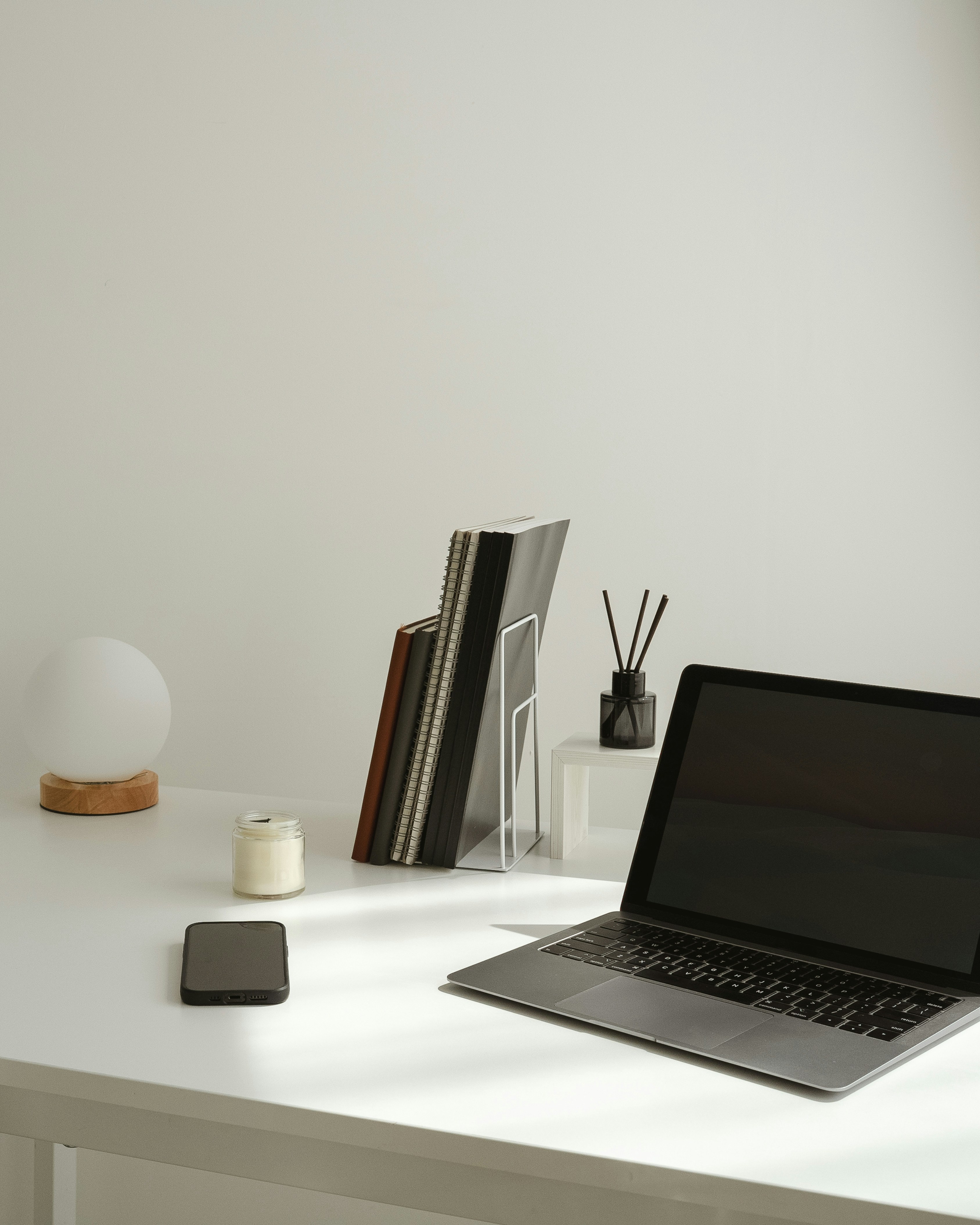
A clean desktop workspace with monitor, keyboard, and peripherals , proper asymmetric lighting keeps this setup glare-free without sacrificing desk real estate to a lamp.
04 // THE VALUE DISRUPTION: QUNTIS SCREENLINEAR PRO
At $40, the Quntis ScreenLinear Pro does not feel budget. It ships with a wireless remote puck, auto-dimming tied to ambient light, a 45-minute timer, and 95+ CRI , the same color accuracy as the $150 BenQ. The beam pattern is slightly less refined at the edges (a faint glow on the top bezel), but the difference is invisible during actual work.
For anyone pairing a light bar with a monitor arm, note that the bar clamp and VESA plate occupy the same narrow top edge. On thin-bezel displays under 7mm, offset the bar to one side to clear the arm bracket. Measure your bezel first , our ergonomic calculator includes a workspace clearance tool for exactly this scenario.
THE UPGRADES (PROS)
- 95+ CRI at one-third the BenQ price
- Wireless puck with timer included
- Auto-dimming works reliably
THE TRADEOFFS (CONS)
- Faint bezel glow on some thin monitors
- No backlight (ceiling bounce only)
05 // BUDGET TIER SHOOTOUT: QUNTIS PRO+ VS SAMPHON RGB
Below $35, the market fragments. The Quntis PRO+ is the safe pick , 95+ CRI, auto-dimming, USB-powered, around $30. The SAMPHON RGB is the wildcard: it trades raw color accuracy (90+ CRI) for RGB backlight modes at $20-25. If your setup already has RGB peripherals and you want the light bar to match that look, the SAMPHON works. For pure task lighting, the PRO+ wins.
| Feature | Quntis PRO+ | SAMPHON RGB | Xiaomi Mi |
|---|---|---|---|
| Price | $25-35 | $20-30 | $50-70 |
| CRI | 95+ | 90+ | 90+ |
| Auto-Dimming | Yes | No | No |
| RGB Backlight | No | Yes (multiple modes) | No |
| Wireless Puck | No (wired controls) | No (touch on bar) | Yes (2.4GHz) |
| Curved Compatible | Flat only | Flat only | Flat only |
The Xiaomi Mi Light Bar ($50-70) was the mid-range champion for years, but it is now outflanked. The Quntis ScreenLinear Pro matches it on every spec for $10-25 less. Xiaomi's 2.4GHz wireless puck is still excellent, but lacking auto-dimming and curved monitor support in 2026 is hard to justify.
MATCH YOUR MONITOR TO YOUR LIGHT BAR
Bezel thickness, monitor curvature, and desk depth all affect which light bar fits. Use the Battlestation Ergonomic Calculator to input your exact display dimensions, then cross-reference the clamp depth spec on any bar before buying. A bar that physically blocks 3mm of your screen is a bar you will return.
LAUNCH CALCULATOR06 // THE CURVED MONITOR PROBLEM
If you use a curved monitor at 1000R or tighter, standard light bars will not sit flush. The center makes contact but the ends float, creating light leaks that cast glare onto the screen. The Quntis Curved RGB is currently the only purpose-built fix: a dual-bar foldable design for 1000R-3000R curvature with independent RGB zones on each segment.
At $50-65, it is a specialist tool. But for users running 49-inch super-ultrawide displays , the same audience that needs extra-deep standing desks , it is the only light bar that actually works. If you are building a complete ultrawide battlestation, pair it with a standing desk with sufficient depth and an ergonomic chair rated for long sessions.
07 // THE VERDICT
For 85% of users, the Quntis ScreenLinear Pro at $40 is the right call. It delivers the core light bar experience , asymmetric illumination, 95+ CRI, wireless control, auto-dimming , at less than a third of the Halo 2's price. The eye strain reduction is identical. The remaining 10% (backlight ambiance, motion-sensor polish) is what the Halo 2 sells for $110 more.
If you have a curved ultrawide, the Quntis Curved RGB is the only bar that fits. If you work with physical documents daily, the BenQ ScreenBar Pro at 1000+ lux is the workstation pick. The Xiaomi and SAMPHON are legacy and niche picks respectively , functional, but outclassed by 2026's value tier.