HALL EFFECT KEYBOARDS FOR PRODUCTIVITY: DO MAGNETIC SWITCHES MAKE YOU BETTER AT WORK?
DEPLOYED: MAY 2026 • SECTOR: PRODUCTIVITY PERIPHERALS
BY: J. MAC (LEAD BATTLESTATION ARCHITECT)
Buying your first mechanical keyboard in 2026? You might want to skip mechanical entirely. Hall Effect (HE) keyboards , once a $200+ gaming niche , have crashed into the $40-80 mainstream. The question has shifted from "is magnetic sensing worth it?" to "why buy anything else?" But even the best keyboard won't compensate for a poorly configured ergonomic desk setup , your keyboard, desk, and monitor must work together.
Adjustable actuation points let you tune key sensitivity for coding versus email. Zero-contact magnetic sensors eliminate chatter after 50 million keystrokes. And the config software varies wildly between brands. We tested six keyboards to separate productivity tools from gaming toys.

Hall Effect keyboards use magnetic sensors instead of physical contacts , enabling adjustable actuation and zero debounce delay across 100+ million keystrokes.
01 // What Makes Hall Effect Different?
Traditional mechanical switches push two metal contacts together. Hall Effect switches use a magnet and sensor , the keyboard measures the magnet's position continuously. This enables three capabilities mechanical switches cannot match:
The productivity question: do configurable actuation and zero-maintenance switches translate to meaningful gains when you're writing code? Dial in your desk height first , ergonomics starts with workstation geometry, not switch type. And pair that keyboard with a quality monitor arm to bring your screen to eye level , the best keyboard in the world won't fix a craned neck.
02 // Spec Comparison
The HE market has split into three tiers:
| Specification | Wooting 60HE+ | Royal Kludge C98 Magnetic | Epomaker HE75 |
|---|---|---|---|
| Price | $175–$200 | $65–$85 | $50–$70 |
| Layout | 60% (61 keys) | 1800-compact (98 keys) | 75% (84 keys) |
| Switch Type | Lekker Hall Effect (custom) | RK Magnetic HE | Epomaker Magnetic HE |
| Actuation Range | 0.1mm – 4.0mm | 0.2mm – 3.6mm | 0.2mm – 3.8mm |
| Config Software | Wootility (Web + Desktop) | RK ROYAL (Windows only) | Epomaker Driver (Windows only) |
| Hot-Swappable | Yes (Lekker only) | Yes | Yes |
| Connection | USB-C wired only | USB-C + 2.4GHz + BT 5.0 | USB-C + 2.4GHz + BT 5.0 |
03 // Budget HE: Royal Kludge C98 Magnetic ($65–$85)
The C98 Magnetic is the keyboard that changed the conversation. At $75, it offers a 98-key layout , numpad included, critical for spreadsheet work , with gasket-mounted plate, pre-lubed stabilizers, and PBT keycaps out of the box.
The catch is software. RK ROYAL is Windows-only with a UI that feels translated through three languages. If you live in macOS or Linux, you'll configure once on a Windows machine and pray you never need to change it.
THE UPGRADES (PROS)
- 98-key layout with numpad , the productivity sweet spot
- Tri-mode wireless at $75 is unmatched in HE
THE TRADEOFFS (CONS)
- Config software is Windows-only and clunky
- No TMR sensor , standard HE, not next-gen
04 // Premium Benchmark: Wooting 60HE+ ($175–$200)
Wooting didn't invent the Hall Effect keyboard , but they perfected the software. Wootility runs in any browser. No install, no admin rights, no Windows lock-in. Per-key actuation curves, rapid trigger profiles, and analog mode are all configured through a web UI that actually makes sense.
The 60% layout is a productivity compromise: no arrow keys, no function row, no numpad. For coders who live in their IDE, this is a dealbreaker. For mixed-use users who pair their keyboard with a productivity mouse like the MX Master 3S, the missing keys sting less than you expect.
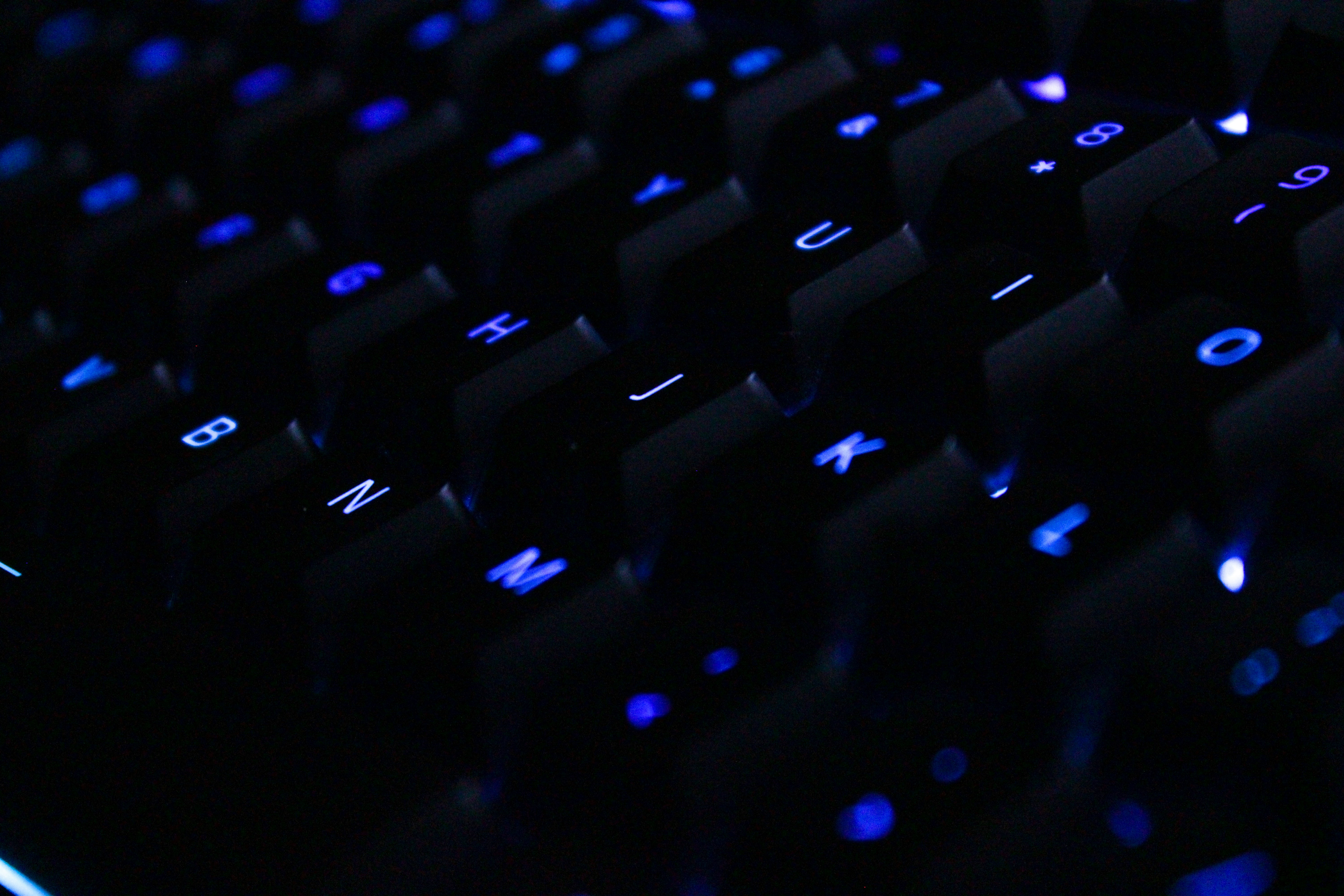
Premium HE keyboards pair precision magnetic switches with per-key RGB that doubles as a visual actuation indicator , you can see when each key triggers.
THE UPGRADES (PROS)
- Wootility web config is the industry gold standard
- Best-in-class 0.1mm actuation granularity
THE TRADEOFFS (CONS)
- $200 for a 60% keyboard is steep for productivity-only users
- No wireless option , USB-C wired only
05 // TMR: The Next Generation
TMR (Tunnel Magnetoresistance) sensors detect magnetic field angle , offering higher precision and lower power draw than standard HE. The MonsGeek M1 V5 TMR at $110-130 is the first mainstream TMR board: aluminum chassis, gasket mount, and QMK/VIA compatibility alongside proprietary TMR config.
For productivity buyers who want future-proofing without the Wooting tax, the M1 V5 TMR is the sleeper pick. The aluminum chassis alone puts it in a different build-quality league than any $75 plastic board. When you're building a sit-stand workstation, cross-platform software that won't hold you hostage is worth the premium.
CHECK MONSGEEK M1 V5 ON AMAZON
06 // Software: The Hidden Differentiator
HE keyboards live and die by their config software. You can't adjust actuation with dip switches. And once your settings are dialed in, managing your keyboard cable through a sit-stand desk's full height range is the final piece of a clean battlestation.
| Brand | Software | Cross-Platform | Key Weakness |
|---|---|---|---|
| Wooting | Wootility (Web) | Yes (browser-based) | No offline mode for web version |
| MonsGeek | VIA/QMK + TMR Driver | Yes (VIA web + native) | TMR features need proprietary driver |
| Royal Kludge | RK ROYAL | Windows only | Translation quality, no macOS |
| Epomaker | Epomaker Driver | Windows only | No web config, infrequent updates |
07 // HE vs Traditional Mechanical
Does magnetic sensing make you a better typist? No. But HE keyboards offer three productivity-adjacent advantages:
| Factor | Hall Effect | Traditional Mechanical |
|---|---|---|
| Key Feel Customization | Adjust actuation per-key via software | Fixed by switch; requires physical swap to change |
| Longevity | 100M+ keystrokes (no contact wear) | 50-100M (contact-based, degrades over time) |
| Debounce / Chatter | None (magnetic sensing) | Possible after heavy use, needs firmware debounce |
| Silent Operation | Depends on switch design | Silent switch variants available |
| Software Dependency | High , must use config software | Low , works out of box |
08 // Who Should Buy What: Decision Matrix
| Your Workflow | Best Pick | Why |
|---|---|---|
| Spreadsheets, data entry, numpad required | Royal Kludge C98 Magnetic | 98-key layout + HE at $75 is unbeatable value |
| Coding, writing, macOS/Linux daily driver | MonsGeek M1 V5 TMR | VIA/QMK + aluminum chassis + TMR future-proofing |
| Gaming + productivity, premium only | Wooting 60HE+ | Wootility alone justifies the price premium |
| Budget curiosity, first HE board | Epomaker HE75 | $50 entry with 75% layout and wireless |
| Don't care about HE, just want a great keyboard | Logitech MX Mechanical | Zero config, cross-platform, superb build quality |
09 // The Complete Ergonomic Picture
A $200 Wooting with perfectly tuned actuation won't save your wrists if your desk height is wrong. Our Ergonomic Calculator maps the correct keyboard height, chair armrest position, and monitor distance to your measurements. Typing ergonomics is a system, not a product.
YOUR KEYBOARD IS ONLY AS GOOD AS YOUR DESK SETUP
Magnetic switches won't prevent RSI. Get your sitting and standing elevations dialed in first, then shop keyboards , not the other way around.
LAUNCH ERGONOMIC CALCULATOR10 // Final Verdict
In May 2026, the Hall Effect keyboard market has hit an inflection point. Budget HE boards at $50-75 deliver 85% of the Wooting experience at 35% of the price. The Royal Kludge C98 Magnetic is the pragmatic pick: full-size layout, tri-mode wireless, and genuine HE magnetic sensing for under $80. The MonsGeek M1 V5 TMR is the enthusiast sleeper: aluminum chassis, cross-platform VIA support, and TMR sensors that outperform standard HE at $120.
Is HE worth it for pure productivity? Not if you already own a keyboard you love. But if you're building a workstation from scratch, spending $75 on an HE board instead of $90 on a traditional mechanical is now the smarter default. The price gap has collapsed and the durability advantage is real. Just make sure your desk has enough depth for comfortable keyboard placement , 24 inches minimum if you run a full-size layout.