Every dual monitor guide on the internet says the same thing: "put your screens at arm's length." That advice is lazy. Arm's length varies by 6 inches between a 5'4" developer and a 6'2" gamer. Your monitors do not care about your wingspan. They care about pixel density, field of view, and the exact geometry of how your eyes track across two panels.
This guide gives you the actual numbers. No rules of thumb. No "it depends." Just measurements you can tape out on your desk before you buy a single piece of hardware.
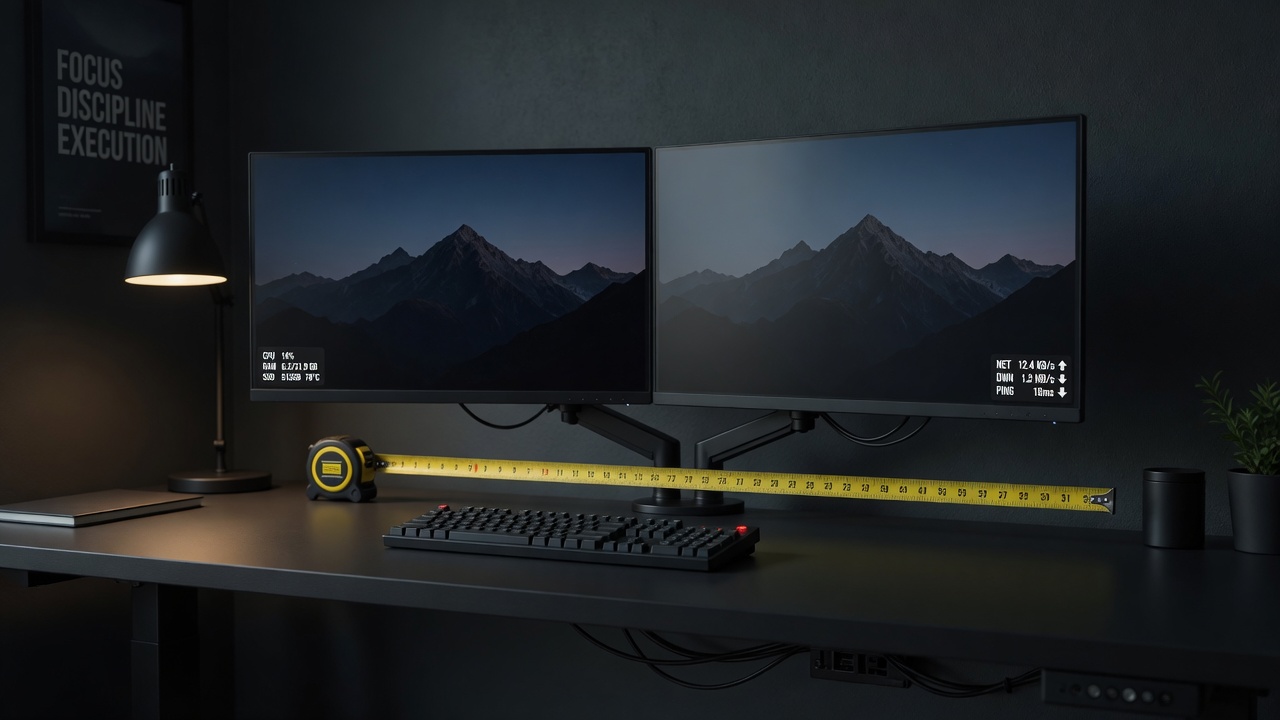
Measuring the center-to-center distance between two 27-inch monitors gives you the baseline for optimal viewing angle.
01 // THE EXACT NUMBERS BY SCREEN SIZE
The math changes with every diagonal inch. A 24-inch dual setup needs fundamentally different spacing than a 32-inch dual setup. Here is the data:
| Specification | Dual 24-inch | Dual 27-inch | Dual 32-inch |
|---|---|---|---|
| Viewing distance | 20-22 in | 22-26 in | 26-30 in |
| Center-to-center spacing | 20-21 in | 22-24 in | 26-28 in |
| Screen angle (inward) | 20-25 deg | 22-28 deg | 25-30 deg |
| Min desk depth (on stands) | 22 in | 26 in | 30 in |
| Min desk depth (on arms) | 18 in | 22 in | 26 in |
| Total width occupied | 42-44 in | 46-50 in | 54-58 in |
| Recommended desk width | 48 in min | 55 in min | 60 in min |
If your current desk is 48 inches wide and you are planning dual 32s, stop. You need a wider and deeper desk first. This is where most setups fail before they start -- buying monitors that physically do not fit the surface.
Quick sanity check: Measure your desk width right now. Divide by two. If that number is smaller than the "center-to-center spacing" for your target monitor size, your monitors will either hang off the edge or need to be angled so aggressively you will feel like you are sitting inside a VR headset.
02 // MONITOR ANGLE: THE 20-30 DEGREE RULE
Your eyes track most naturally in a 30-degree horizontal arc without neck movement. Angle each monitor inward so the combined arc stays inside that window. Most people set their dual monitors too flat -- nearly straight across the desk, which forces constant head turning.
Here is how to set the angle correctly:
Sit in your normal working position. Extend both arms straight forward. Your fingertips should nearly touch the center seam between the two monitors. Now angle each screen inward until the inner bezels are 1-2 inches apart and the outer edges wrap slightly around your peripheral vision. The sweet spot is when you can see the full width of both screens by moving only your eyes, not your neck.
For a dual monitor arm setup, this is trivial -- good arms have independent swivel. For fixed stands, you are stuck with whatever angle the base allows, which is usually wrong.
03 // MONITOR ARMS: THE DEPTH SAVER
Monitor stands steal 4-6 inches of desk depth. On a 24-inch deep desk, a 27-inch monitor on its stock stand leaves you roughly 16 inches of usable space in front of the keyboard. That is cramped. Put that same monitor on an arm clamped to the back edge and you recover almost all of that lost depth.
DUAL SINGLE ARMS
- Independent height and angle per monitor
- Swap one monitor without reconfiguring the other
- Can be expanded to a third monitor later
- Better for mismatched screen sizes
SINGLE DUAL ARM
- One clamp, cleaner desk surface
- Usually $30-60 cheaper total
- Limited individual forward/back adjustment
- Both monitors must be similar size and weight
If your monitors are identical 27-inch panels, a single dual arm like the HUANUO dual monitor arm works perfectly and costs under $50. If you run a 27-inch main and a 24-inch secondary, two singles give you the adjustment range you need.
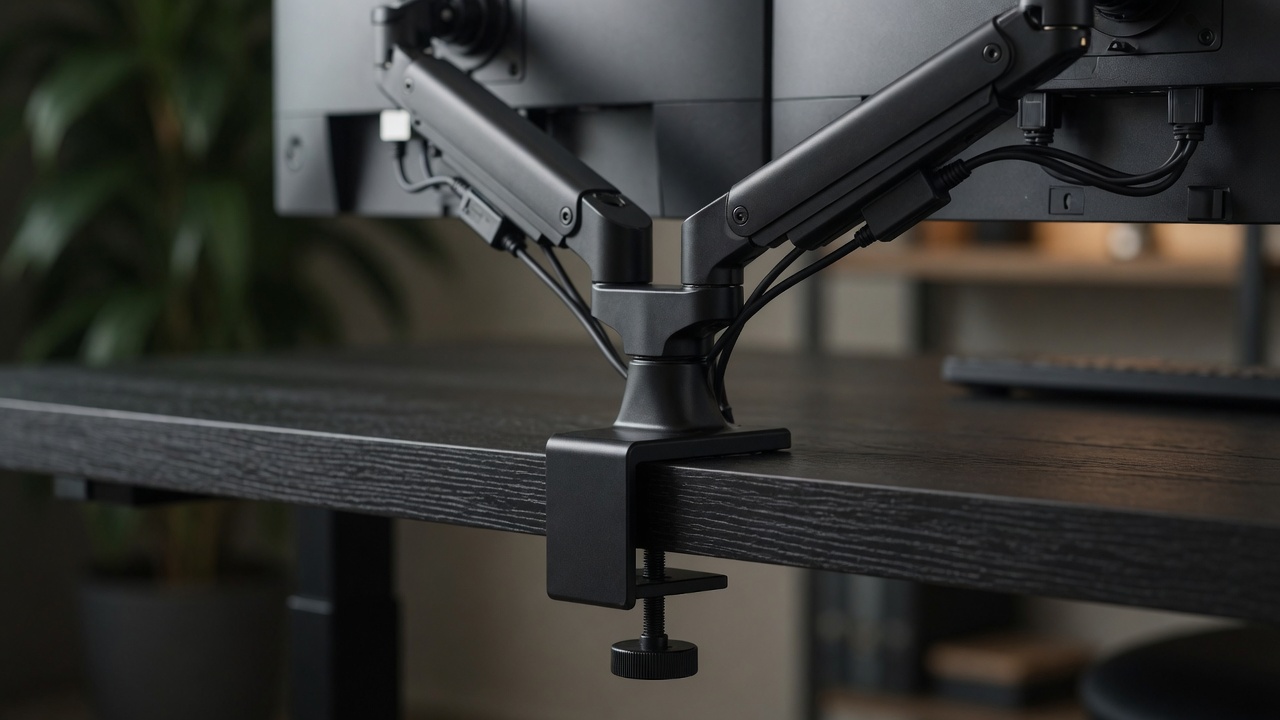
Clamp-mounted arms recover 4-6 inches of desk depth compared to the stock stands most monitors ship with.
04 // DESK DEPTH: THE BOTTLENECK NOBODY TALKS ABOUT
Desk width gets all the attention. Desk depth is what actually determines whether a dual monitor setup is comfortable or a neck strain machine. The standard IKEA desktop is 23 5/8 inches deep. That is barely enough for a single 27-inch monitor on its stock stand, let alone two.
The best standing desks for dual monitors ship at 30 inches deep minimum. The Uplift V3 offers a 30x72 configuration that fits dual 32s with room to spare. If you are buying a desk specifically for a dual setup, prioritize depth over width. Width can be fixed with monitor arms. Depth cannot.
Desk depth test: Place your keyboard where you naturally type. Measure from the front edge of the keyboard to the back edge of the desk. That is your usable depth. Now subtract the depth of your monitor stands or the setback of your monitor arm clamp. If the remaining number is under 16 inches for dual 27s or under 20 inches for dual 32s, you will be sitting too close and straining your eyes.
05 // CABLE MANAGEMENT FOR DUAL MONITORS
Two monitors means two power cables, two display cables, and possibly two USB upstream cables. That is six cables going down the back of your desk before you add a keyboard, mouse, webcam, and speakers. Without planning, the back of a dual monitor desk looks like a pasta dish.
The complete cable management guide covers the full strategy, but the short version for dual monitors: run all six cables into a single spine that follows the monitor arm pole down to an under-desk tray. Use velcro straps every 8 inches. Leave enough slack at standing height if you use a sit-stand desk.
06 // USE THE CALCULATOR TO LOCK IN YOUR NUMBERS
The measurements in this article give you the target range. The Battlestation Ergonomic Calculator turns your actual height, desk dimensions, and monitor sizes into exact numbers for YOUR body. Do not guess. Plug in your specs and get the precise distances.
LAUNCH CALCULATOROnce you have run the calculator, write your numbers on a sticky note and put it on your desk. Viewing distance, monitor height from desk surface, and keyboard setback. When you adjust your setup later -- and you will -- that note saves you from re-measuring everything.
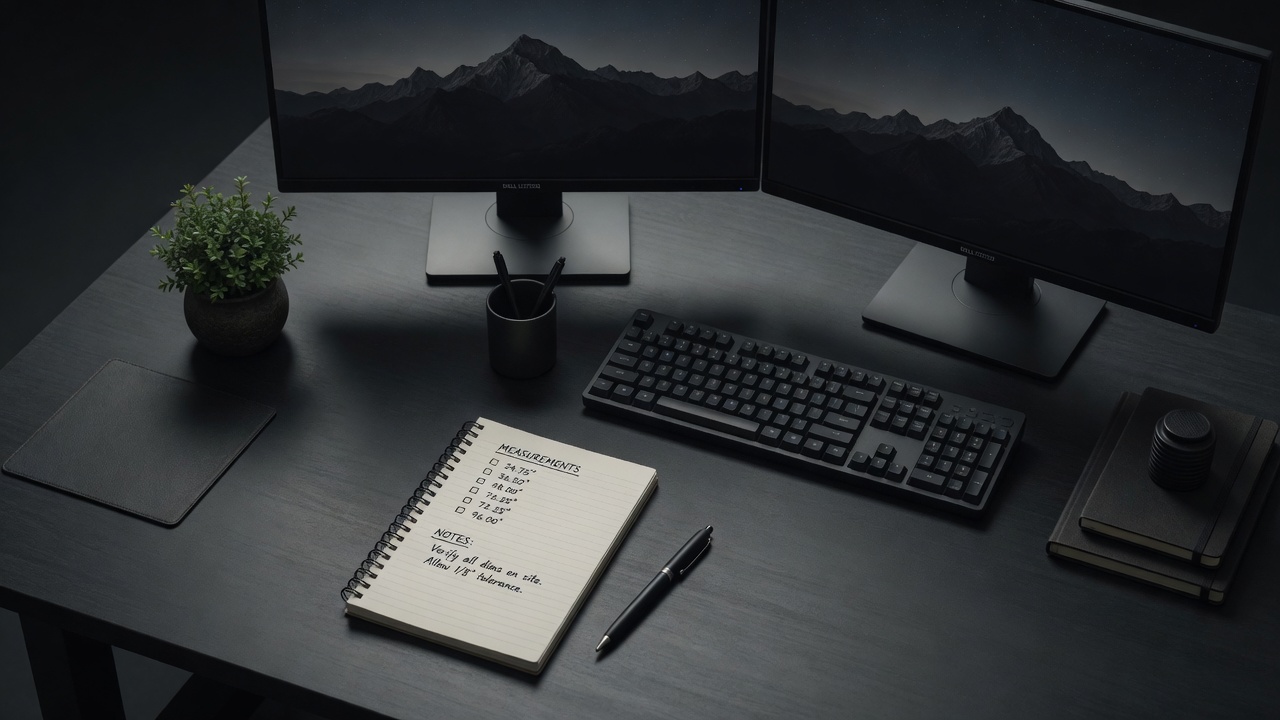
Write down your dialed-in measurements. Monitor arms get bumped. Desks get moved. The numbers on paper are your reset button.
07 // THE MEASUREMENT CHECKLIST
Before you order a single monitor arm or rearrange your desk, verify these five numbers:
| # | Measurement | Your Number | Target Range |
|---|---|---|---|
| 1 | Desk width | ___ in | 48-60+ in (depends on monitor size) |
| 2 | Desk depth | ___ in | 24-30+ in |
| 3 | Eye-to-screen distance | ___ in | 20-28 in |
| 4 | Screen angle (each) | ___ deg | 20-30 deg |
| 5 | Monitor height (top bezel) | ___ in | At or slightly below eye level |
If your numbers are within range, your dual monitor setup is ergonomically sound. If not, the fixes are usually a better monitor arm, a deeper desk, or both. The ergonomic calculator will tell you which one.