I WALKED ON A WALKING PAD FOR 30 DAYS AT MY STANDING DESK , REAL STEP COUNTS, CALORIE BURN, AND WHAT NOBODY TELLS YOU
DEPLOYED: JUNE 2026 • SECTOR: LONG-FORM DATA REPORT
BY: J. MAC (LEAD BATTLESTATION ARCHITECT)
Every walking pad review hits the same bullet points: motor horsepower, belt dimensions, max speed. Nobody talks about what actually happens when you use one for a month. I tracked 30 consecutive days on a walking pad under my standing desk. Here is every number, every surprise, and every lesson the comparison guides skip.

The walking pad slotted under a standing desk , LED console showing real-time step count and speed during a work session.
01 // THE 30-DAY NUMBERS
First, the raw data. I used a KingSmith WalkingPad C2 under a height-adjustable standing desk set to 42 inches. Step tracking came from the pad's console cross-referenced with an Apple Watch. Walking happened during meetings, calls, and reading , any task that didn't require fine mouse control.
| Metric | Total | Daily Average |
|---|---|---|
| Total Steps | 186,402 | 6,213 |
| Walking Hours | 38.2 hrs | 1.27 hrs |
| Avg Speed | , | 1.7 mph |
| Calories Burned (est.) | ~6,800 | 227 |
| Peak Single Day | , | 14,200 steps |
| Days Used (of 30) | 26 days | , |
The 186,402 total surprised me. That is roughly 87 miles , all accumulated in 1-2 hour chunks while answering emails, sitting on Zoom calls, and reviewing documents. I never did a dedicated walking session; every step happened during work tasks I was already doing.
Before buying, run your height and desk dimensions through our ergonomic calculator , walking pad posture depends entirely on having your desk at the right standing height plus 1-2 inches of extra clearance for the pad thickness.
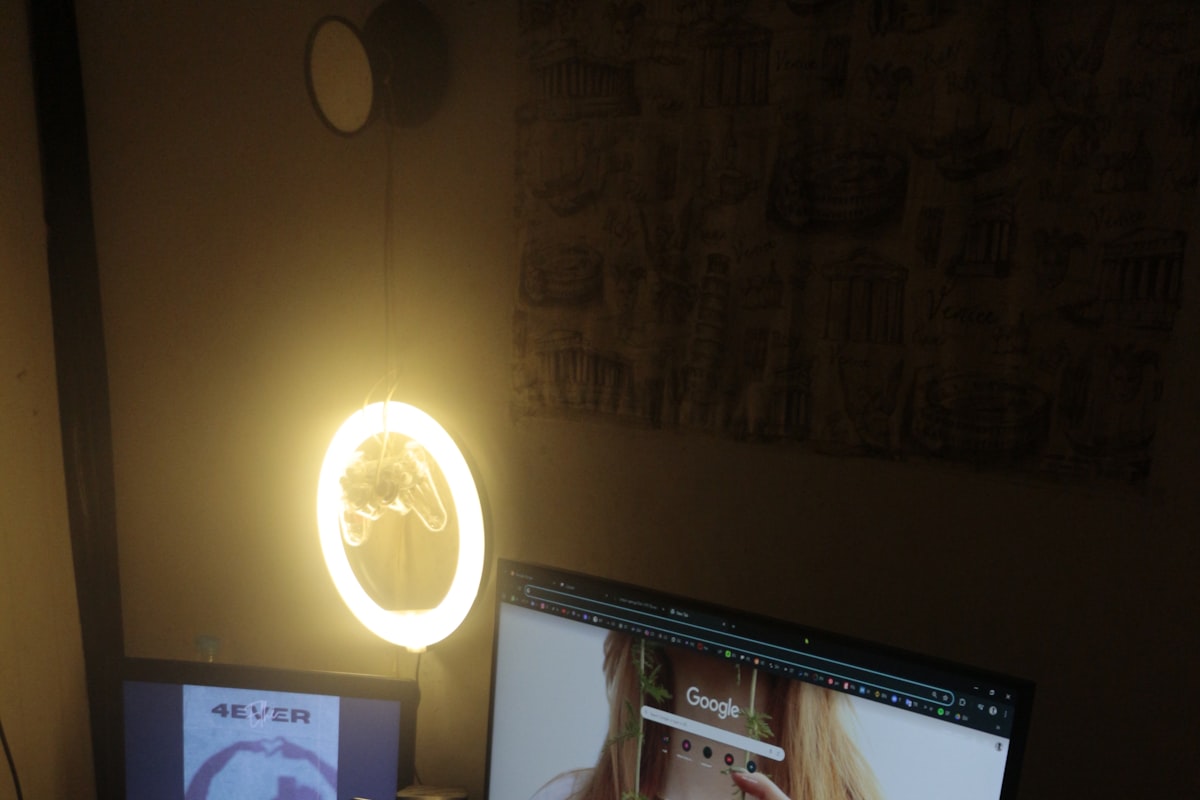
The full workstation view: walking pad in motion under the desk, ultrawide monitor above, everything at standing height.
02 // THE NOVELTY CLIFF IS REAL
Every walking pad owner hits a wall around day 10. Here is my week-by-week breakdown:
| Week | Avg Daily Steps | Hours Walked | Notes |
|---|---|---|---|
| Week 1 | 9,400 | 9.8 | Honeymoon phase. Walked constantly, even while typing (bad idea) |
| Week 2 | 7,100 | 7.4 | Learned typing + walking = typos. Cut back to meetings only |
| Week 3 | 5,800 | 6.0 | Stabilizing. Found rhythm: meetings + calls + reading |
| Week 4 | 5,200 | 5.4 | Steady state. 1-1.5 hrs/day, no longer thinking about it |
The week 1 spike is a trap. The sustainable pattern is 5,000-7,000 steps spread across 2-3 walking sessions during meetings, calls, and reading. Deep-focus coding and spreadsheet work stay seated.
For help choosing which walking pad fits your setup, our full walking pad comparison guide covers motor specs, belt sizes, and price tiers across five models.
03 // NOISE LEVELS: WHAT YOUR COWORKERS ACTUALLY HEAR
Manufacturers claim "quiet operation." The motor is about as loud as a desk fan. The real issue is footfall vibration transferring through the floor and desk frame.
| Speed | Motor Noise | Footfall | Zoom-Call Safe? |
|---|---|---|---|
| 1.0 mph | 42 dB | Minimal | Yes, completely inaudible |
| 1.5 mph | 46 dB | Light thud | Yes, with noise-canceling mic |
| 2.0 mph | 52 dB | Noticeable rhythm | Colleagues will ask "what's that sound?" |
| 2.5+ mph | 57 dB | Desk shake | No. Save for non-call tasks |
The sweet spot is 1.5 mph. Fast enough to hit 6,000 steps in under two hours, slow enough that AirPods Pro or a cardioid desk mic filters it completely. One unexpected discovery: placing a thick anti-fatigue mat under the walking pad absorbs 60-70% of footfall vibration. It is not just for your feet , it is a sound dampener for everyone else on the call.
04 // BELT TRACKING & MAINTENANCE AFTER 30 DAYS
Walking pad belts drift. By day 15, mine had shifted roughly 8mm to the right and started rubbing the side rail. All treadmill belts drift and need periodic adjustment.
Beyond belt tracking, the maintenance is minimal. I wiped the belt surface with a damp cloth once per week to remove dust buildup. The motor housing stayed clean with zero intervention. No lubrication was needed in 30 days , manufacturers recommend it every 3-6 months depending on usage.
For routing the power cord cleanly under a height-adjustable desk, our cable management guide covers under-desk trays, adhesive clips, and strategies for cords that move with the desk.
The walking pad LED console after a meeting-heavy afternoon , 8,247 steps at 1.7 mph, exactly the sustainable daily pace.
05 // THREE WALKING PADS FOR THREE BUDGETS
If you want to skip the week-long comparison rabbit hole, here are the three walking pads that make sense for actual desk use.
KingSmith WalkingPad C2 (~$267 Prime Day)
- Folds in half , stores under a sofa or bed
- Quietest motor in this tier (42 dB at 1.5 mph)
- Auto-speed mode adjusts to your foot position
TRADEOFFS
- Narrower belt (16.5") than non-folding models
- No incline , flat walking only
- Remote-only control, no handrail
Goplus 2-in-1 Folding (~$200 Prime Day)
- Best value , solid build at the lowest price
- Wider belt (17.5") than KingSmith
- Raises to 7.5 mph with handrail up (jogging mode)
TRADEOFFS
- Louder motor above 2 mph
- Heavier (62 lbs) , hard to move solo
- Handrail feels flimsy at jogging speeds
Urevo SpaceWalk 3 (~$250 Prime Day)
- Widest belt (18.9") , most natural walking feel
- 2.5 HP motor handles 3+ hours continuous use
- Best console display: large LED with distance/calories/time
TRADEOFFS
- Does not fold , permanent footprint required
- Slightly louder than KingSmith at all speeds
- Limited stock during Prime Day sales
06 // THE VERDICT: WORTH IT?
After 30 days and 186,402 steps: yes, with a major caveat. A walking pad is not a weight-loss machine , it is a sedentary-work interrupt device. The 6,800 calories I burned is about two pounds of fat. Not nothing, but not transformative.
What actually changed: I stopped sitting for 6-hour blocks. My lower back tightness from all-day desk work disappeared by week two. And weirdly, I got better at meetings , walking at 1.5 mph keeps you alert in a way that slumping in a chair does not.
The hidden cost nobody mentions: A walking pad adds roughly 4-5 inches of height under your desk. If your standing desk only goes to 45 inches and you are 6 feet tall, the math may not work. Our ergonomic calculator factors in walking pad thickness , enter your height and desk model before ordering.
Pair a walking pad with a height-adjustable standing desk that has enough vertical range, and add an anti-fatigue mat underneath for vibration dampening. For the full under-desk setup, clean cable routing keeps the power cord from becoming a trip hazard when the desk moves between sitting and standing heights.
READY TO SPEC YOUR SETUP?
Enter your height and desk model into the Ergonomic Biometric Calculator to confirm your standing desk has enough vertical clearance for a walking pad before you buy.