BEST ERGONOMIC KEYBOARDS 2026: SPLIT, WAVE & WIRELESS
DEPLOYED: AUGUST 2026 • SECTOR: KEYBOARDS & INPUT DEVICES
BY: J. MAC (LEAD BATTLESTATION ARCHITECT)
Your wrists hurt after lunch. By 3 PM, your forearms feel tight. You've tried a wrist rest, maybe a vertical mouse, but the keyboard is still flat and straight. That flat layout forces your wrists into ulnar deviation and your shoulders to hunch. Eight hours adds up.
Ergonomic keyboards fix this at the source. The 2026 market has split into three lanes: affordable wave keyboards that feel natural on day one, split mechanical boards for enthusiasts, and fully split tented setups for serious RSI. Run your desk height and monitor position through our calculator before you buy, a keyboard only fixes half the equation.
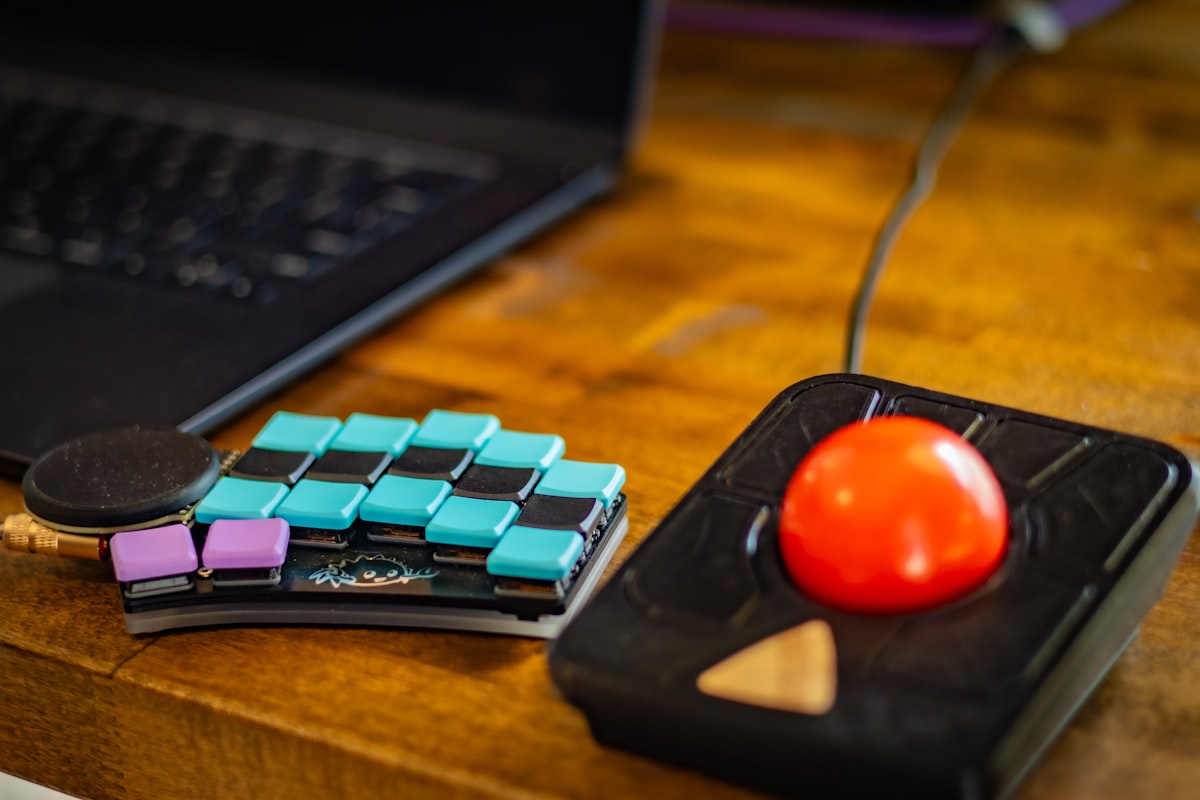
A split ergonomic keyboard lets you position each half at shoulder width, keeping wrists straight and shoulders relaxed.
01 // Split vs Wave: What Actually Matters
Ergonomic keyboards fall into two camps. Split keyboards physically separate into two halves you position shoulder-width apart. This eliminates ulnar deviation and lets you tent each half at an angle. The tradeoff: a 1-2 week learning curve. Wave keyboards keep a single-piece body but curve the key layout into a gentle arc. They feel natural within a day and don't require repositioning muscle memory.
02 // Specification Comparison: Wave Keyboards
The wave category has three strong 2026 contenders. The Logitech Ergo K860 is the industry standard. The HP 960 won a Forbes Vetted 2026 Best Product Award. The Logitech Wave Keys brings the wave shape under $50.
| Specification | Logitech Ergo K860 | HP 960 Ergonomic | Logitech Wave Keys |
|---|---|---|---|
| Layout | Split wave, fixed curve | Split wave, detachable numpad | Wave curve, compact |
| Connectivity | Bluetooth + USB Dongle | Bluetooth + USB-C Wired | Bluetooth + USB Dongle |
| Multi-Device | 3 devices | 3 devices | 3 devices |
| Wrist Rest | Integrated memory foam | Integrated cushion | Integrated cushion |
| Battery | 2x AAA, 24 months | USB-C rechargeable | 2x AAA, 36 months |
| Price | ~$120 | ~$130 | ~$50 |
03 // Specification Comparison: Split Keyboards
The split mechanical category is where enthusiasts and serious RSI cases land. The Keychron Q11 is the entry point. The Kinesis Freestyle2 is the long-standing medical-grade option. The MoErgo Glove80 is the endgame.
| Specification | Keychron Q11 | Razer Pro Type Ergo | Kinesis Freestyle2 |
|---|---|---|---|
| Split Type | Fully split, halves snap together | Split-layout, single body | Fully split, 20-inch cable |
| Switch Type | Gateron G Pro Mechanical | Razer Orange Mechanical | Membrane (low-force) |
| Programmability | QMK/VIA, fully remappable | Razer Synapse (Windows only) | Basic hotkeys |
| Tenting | Optional tenting kit | Fixed angle | VIP3 accessory (0-15°) |
| Connectivity | USB-C Wired | Bluetooth + USB-C + 2.4G | USB Wired |
| Price | ~$210 | ~$150 | ~$130 |
04 // Deep Dive: Logitech Ergo K860 (The Industry Standard)
The Ergo K860 is where every ergonomic keyboard roundup starts. The curved split-wave layout keeps wrists at a natural angle without the mental overhead of two separate halves. The integrated memory foam wrist rest runs the full keyboard width, and negative tilt legs angle the board away for a neutral wrist position. Check your desk height with our calculator before adjusting negative tilt, it only works if your desk is at the right height.
THE UPGRADES (PROS)
- Curved split-wave layout feels natural within 2-3 days
- Full-size layout with numpad, no compromise for spreadsheets
- Negative tilt legs reduce wrist extension during long sessions
THE TRADEOFFS (CONS)
- Large footprint won't fit on small keyboard trays
- AAA batteries instead of USB-C rechargeable
05 // The Budget Wave: Logitech Wave Keys
At $50, the Wave Keys brings the curved layout to the budget tier. It's a compact 75% layout with a cushioned palm rest, three-device Bluetooth, and 36-month battery life from two AAA cells. Quieter key feel than the K860 with softer tactile feedback. For a lightweight ergonomic keyboard that doesn't dominate your desk, this is the pick.
Pair this with a vertical ergonomic mouse for a full wrist-relief setup under $125. The Wave Keys and Logitech Lift together cost less than the K860 alone.
THE UPGRADES (PROS)
- $50 entry point for wave ergonomics, priced like a standard keyboard
- Compact 75% layout saves desk space
- 36-month battery life, basically forget about batteries
THE TRADEOFFS (CONS)
- No numpad for spreadsheet-heavy work
- Plastic build feels light compared to the K860

Mechanical split keyboards like the Keychron Q11 bring hot-swappable switches and full programmability to the enthusiast tier.
06 // The Enthusiast Split: Keychron Q11 and MoErgo Glove80
The Keychron Q11 at $210 is the mechanical split entry point. Gateron G Pro switches, QMK/VIA programmability, CNC aluminum chassis. The two halves snap together magnetically for standard-keyboard mode. Tenting kit sold separately.
The MoErgo Glove80 at $350 is the endgame. Concave keywells cup each hand, chording is dramatically easier than on flat keyboards, and the 80-key layout covers everything including function and arrow keys. The learning curve is 2-4 weeks, but flat keyboards feel primitive after. For the full battlestation, check our hall-effect keyboard comparison for magnetic switch alternatives.
THE UPGRADES (PROS)
- QMK/VIA programmability gives infinite layout customization
- Concave keywells on Glove80 reduce finger travel distance
- Aluminum Q11 chassis is built like a tank
THE TRADEOFFS (CONS)
- Glove80 at $350 is a serious investment
- 2-4 week adjustment period for keywell layouts
07 // The Final Verdict
For most people, the Logitech Ergo K860 is the safest recommendation. The curved split-wave layout feels natural within days, the integrated wrist rest is genuinely comfortable, and the full-size layout doesn't compromise on keys.
Budget buyers should get the Logitech Wave Keys at $50. Same wave DNA in a compact body. Pair it with a vertical mouse for a full ergonomic input stack under $125.
Mechanical keyboard people who want ergonomic correction should get the Keychron Q11. QMK/VIA, hot-swappable switches, build quality that justifies $210. The MoErgo Glove80 is the endgame for RSI sufferers who've tried everything else.
For the full setup, read our standing desk buyer's guide, ergonomic chair comparison, and desk mat buyer's guide to complete the battlestation.
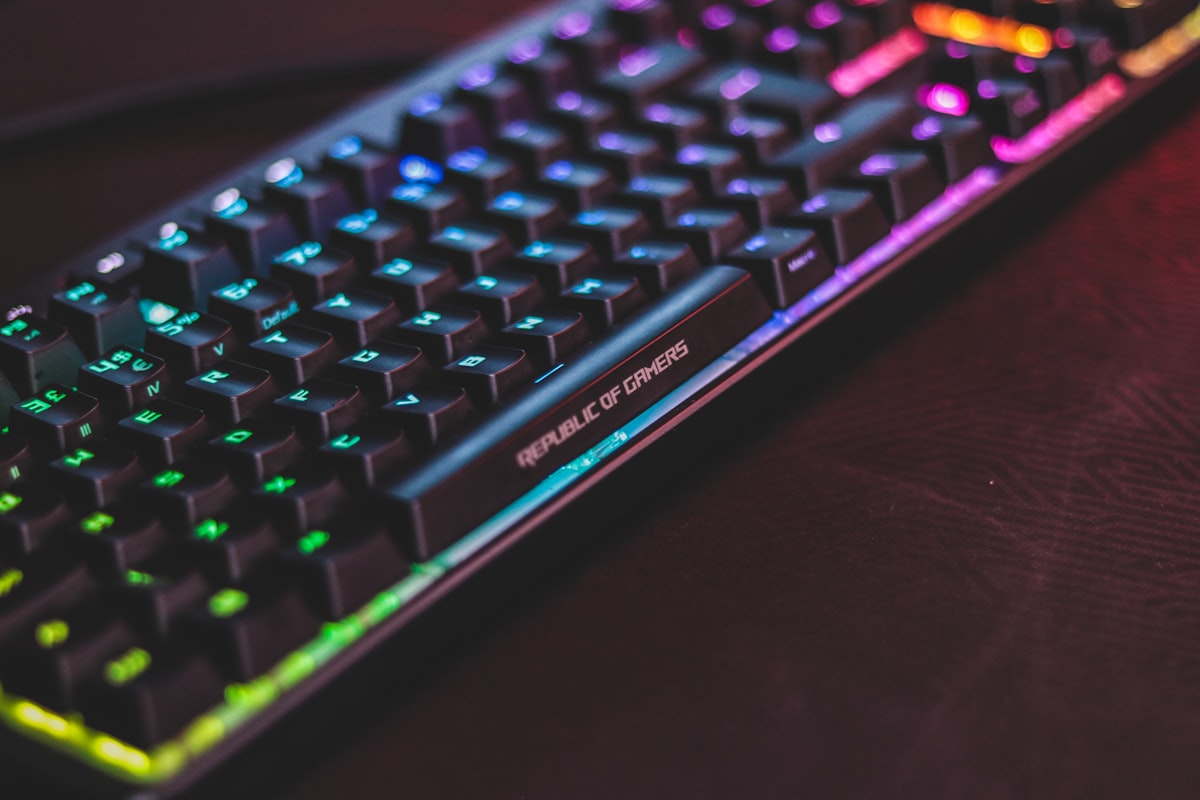
A backlit mechanical keyboard rounds out the ergonomic battlestation, pairing comfort with RGB personalization.
Dial In Your Ergonomic Setup
Your keyboard is only one piece. Check your desk height, monitor position, and chair arm alignment with our free Ergonomic Biometric Calculator.
RUN THE CALCULATOR| Rank | Model | Best For | Price |
|---|---|---|---|
| 1 | Logitech Ergo K860 | Best overall, split-wave, full-size | ~$120 |
| 2 | Logitech Wave Keys | Best budget wave keyboard | ~$50 |
| 3 | HP 960 Ergonomic | Forbes award winner, detachable numpad | ~$130 |
| 4 | Keychron Q11 | Best mechanical split for enthusiasts | ~$210 |
| 5 | Razer Pro Type Ergo | Best split-layout for mixed use | ~$150 |
| 6 | Kinesis Freestyle2 | Medical-grade split, tenting accessory | ~$130 |
| 7 | MoErgo Glove80 | Endgame RSI relief, concave keywells | ~$350 |