BEST VERTICAL & ERGONOMIC MICE 2026: FIX WRIST PAIN
DEPLOYED: AUGUST 2026 • SECTOR: KEYBOARDS & INPUT DEVICES
BY: J. MAC (LEAD BATTLESTATION ARCHITECT)
Your wrist hurts. You've tried stretching and wrist rests. But the root cause is the same: eight hours of forearm pronation on a flat mouse. Your palm faces down, your wrist twists, and your carpal tunnel gets squeezed.
A vertical ergonomic mouse fixes this by rotating your grip into a natural handshake position. The 2026 market has exploded with new contenders: Razer entered the category, Keychron jumped in with the M5, and the $25 Anker is better than it has any right to be. Before buying blind, run your desk ergonomics through our calculator to confirm monitor height and chair arm alignment — a vertical mouse works best when the whole setup is dialed in.
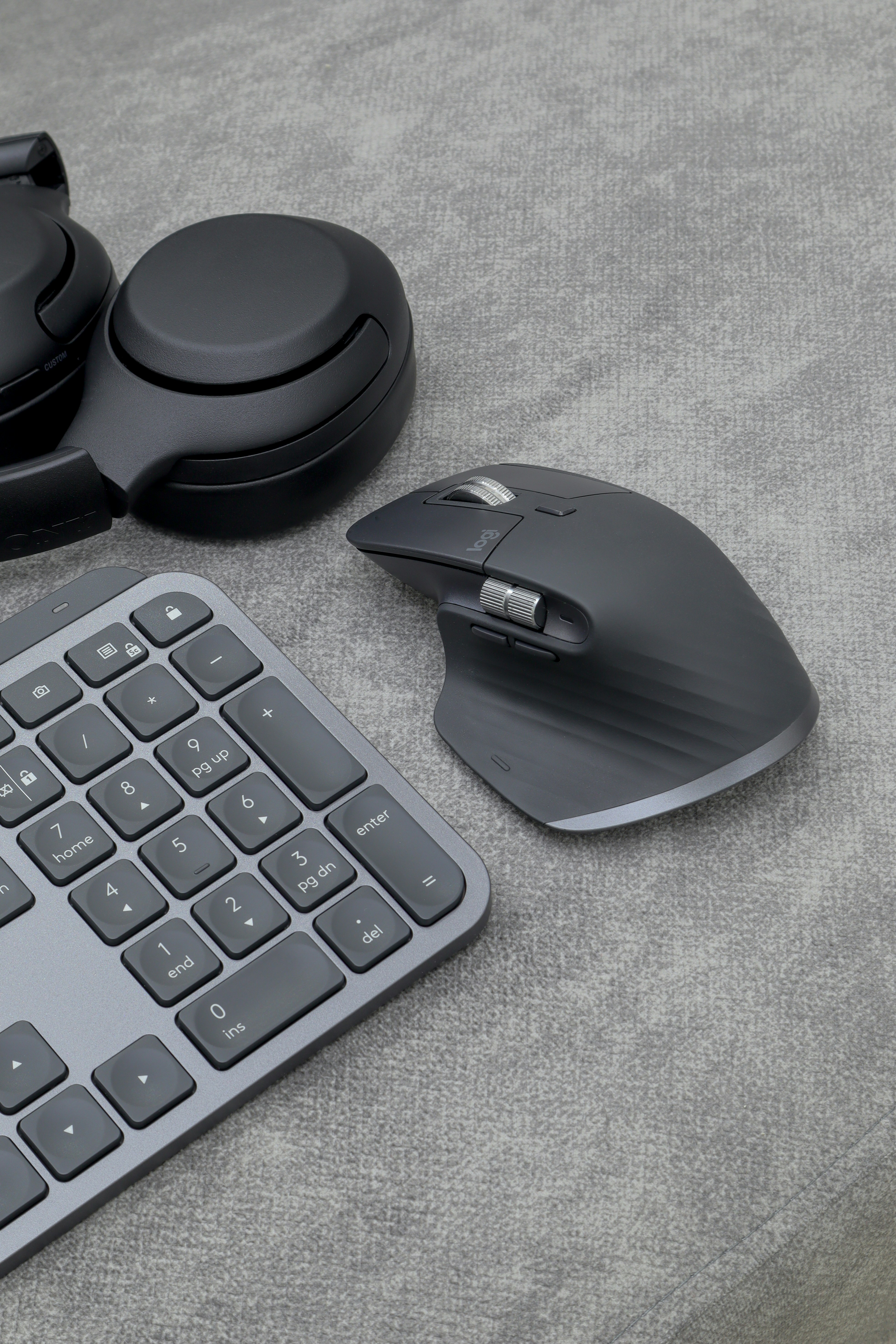
A vertical mouse keeps your forearm in a neutral handshake position — the 57-to-71-degree angle eliminates pronation strain.
01 // What Actually Matters: Vertical Angle vs Hand Size
Not all vertical mice are equally vertical. The Logitech MX Vertical uses a 57-degree angle, a gentle tilt that feels natural within a day. The Razer Pro Click V2 pushes to 71.7 degrees — more aggressive, takes longer to adjust, but delivers better long-term wrist relief. The Keychron M5 splits around 65 degrees with a thumb rest that eases the transition.
02 // Specification Comparison
Here's how the six leading vertical mice stack up. The angle determines wrist relief aggressiveness. DPI above 3000 is overkill for office work unless you're on a 4K display.
| Specification | Logitech MX Vertical | Logitech Lift | Razer Pro Click V2 |
|---|---|---|---|
| Angle | 57° | 57° | 71.7° |
| Max DPI | 4000 | 4000 | 16,000 |
| Connectivity | USB-C + Bluetooth + Dongle | AA Battery + Bluetooth + Dongle | USB-C + Bluetooth + HyperSpeed |
| Hand Size | Medium / Large | Small / Medium | Medium / Large |
| Multi-Device | 3 devices (Flow) | 3 devices | 3 devices |
| Weight | 135g | 125g | 102g |
| Price | ~$75 | ~$70 | $80-100 |
| Specification | Keychron M5 | Anker 2.4G Vertical | ProtoArc EM11 |
|---|---|---|---|
| Angle | ~65° | ~57° | ~60° |
| Max DPI | 12,000 | 1600 (3 levels) | 4000 |
| Connectivity | USB-C + Bluetooth + 2.4G | AA Battery + 2.4G Dongle | USB-C + Bluetooth + 2.4G |
| Hand Size | Medium / Large | Medium / Large | Medium |
| Multi-Device | 2 devices | Single device | 3 devices |
| Weight | ~115g | ~95g | ~108g |
| Price | ~$50 | ~$25 | ~$40 |
03 // Deep Dive: Logitech MX Vertical (The Industry Standard)
The MX Vertical is where every ergonomic roundup starts. Sculpted full-hand body, 57-degree angle that's accessible for first-timers, and Logitech Flow for dragging files between two computers. USB-C charging with a 4-month battery means no AA battery hunts. Pair this with a dialed-in desk height from our calculator and your wrist will thank you within a week.
THE UPGRADES (PROS)
- Logitech Flow is genuinely useful for multi-PC desks
- USB-C rechargeable with 4-month battery per charge
- Sculpted shape supports large hands perfectly
THE TRADEOFFS (CONS)
- Too large for small hands — palm grip barely reaches buttons
- 135g weight feels sluggish for fast UI work
04 // Deep Dive: Logitech Lift (Small-Hand Special)
The Lift is a scaled-down MX Vertical with quieter clicks and a shorter body. Four color options (Graphite, Rose, Off-White, Sand) make it the only vertical mouse that doesn't look clinical. The AA battery is mildly annoying if you're USB-C everywhere, but Logitech claims 2-year life from a single cell. If your hand is under 7.5 inches from wrist to middle fingertip, this is the one.
Pair this with a quality desk mat — optical and laser sensors track better on a consistent surface than raw wood grain.
THE UPGRADES (PROS)
- Perfect for small-to-medium hands under 7.5 inches
- Quiet clicks that won't annoy coworkers on calls
- Actually looks good on a desk in four color options
THE TRADEOFFS (CONS)
- AA battery instead of USB-C rechargeable
- No Flow multi-computer support
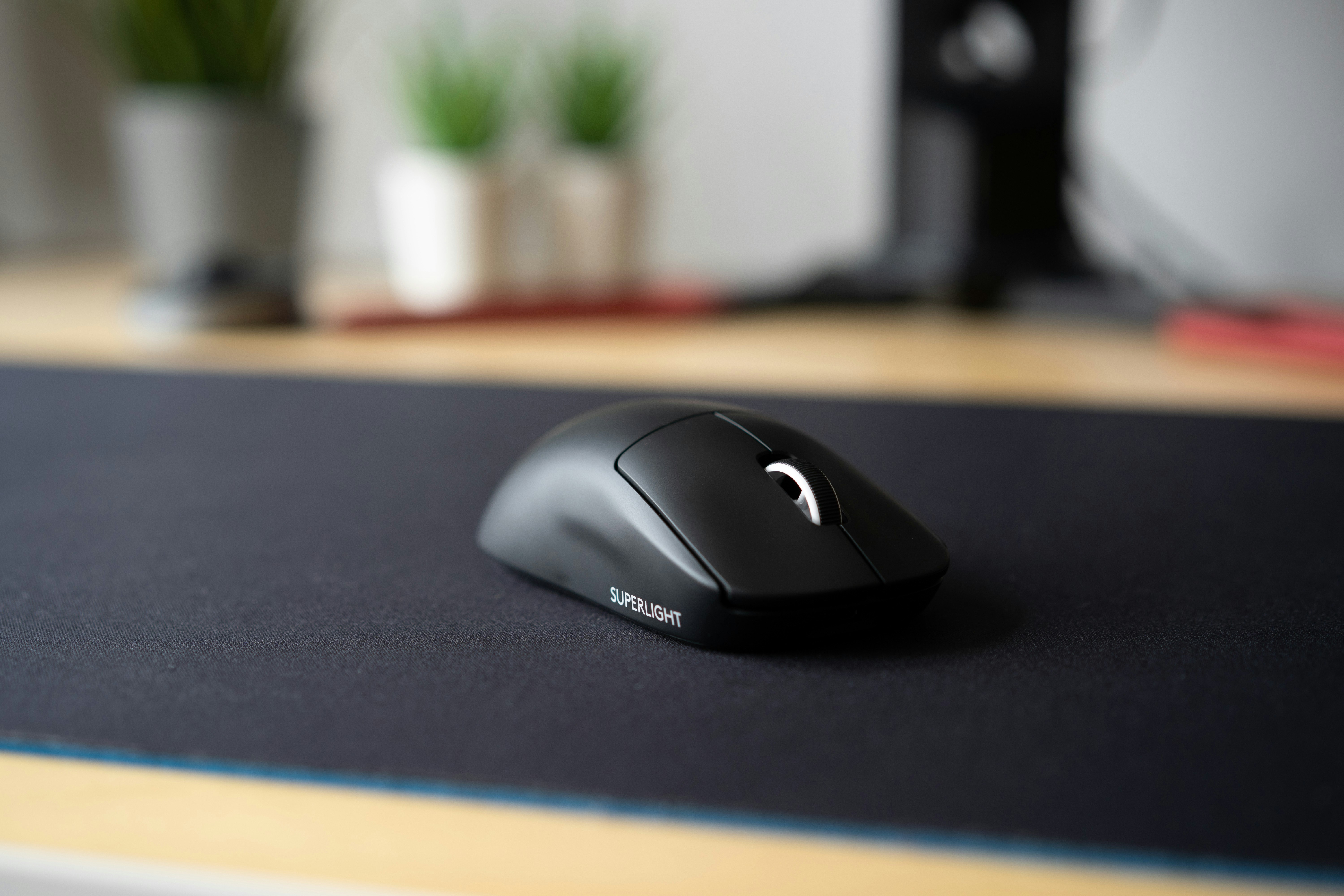
A vertical mouse grip eliminates wrist twist — the handshake angle keeps tendons relaxed through an 8-hour workday.
05 // The New Contender: Razer Pro Click V2 Vertical
The 71.7-degree angle is the steepest here, putting your wrist closer to a true handshake than any competitor. At 102g it's the lightest model, which matters after hour six. PCMag gave it Editor's Choice in May 2026. The 16K DPI sensor tracks on glass, wood, and fabric without a mousepad.
The catch: the steep angle takes 5-7 days to adjust, and the scroll wheel feels slightly shallow next to Logitech's magnetic wheel. But for diagnosed RSI or tendonitis, the aggressive angle produces faster relief than the gentler alternatives. Combined with a hall-effect keyboard with adjustable actuation, you can build a full ergonomic input stack.
THE UPGRADES (PROS)
- Steepest angle for maximum wrist relief
- Lightest weight (102g) reduces forearm fatigue
- USB-C with HyperSpeed wireless for low-latency
THE TRADEOFFS (CONS)
- Steepest price in the category
- 5-7 day adjustment period is real
CHECK RAZER PRO CLICK V2 PRICE
06 // Budget Picks: Keychron M5, Anker, and ProtoArc EM11
The sub-$50 tier has never been better. The Keychron M5 at $50 has dual-mode wireless, a comfortable thumb rest, and feels like 80% of an MX Vertical for two-thirds the price. The ProtoArc EM11 at $40 has a distinctive wide-bodied shape with soft-touch coating, silent clicks, and an LED accent ring.
The Anker 2.4G Vertical at $25 is the desk drawer spare that might become your daily driver. Five buttons, three DPI levels, no Bluetooth or multi-device, but at $25 those are fair tradeoffs. If you're unsure about vertical mice, start here. Once your wrist adjusts, pair it with a properly adjusted ergonomic chair for full-body relief.
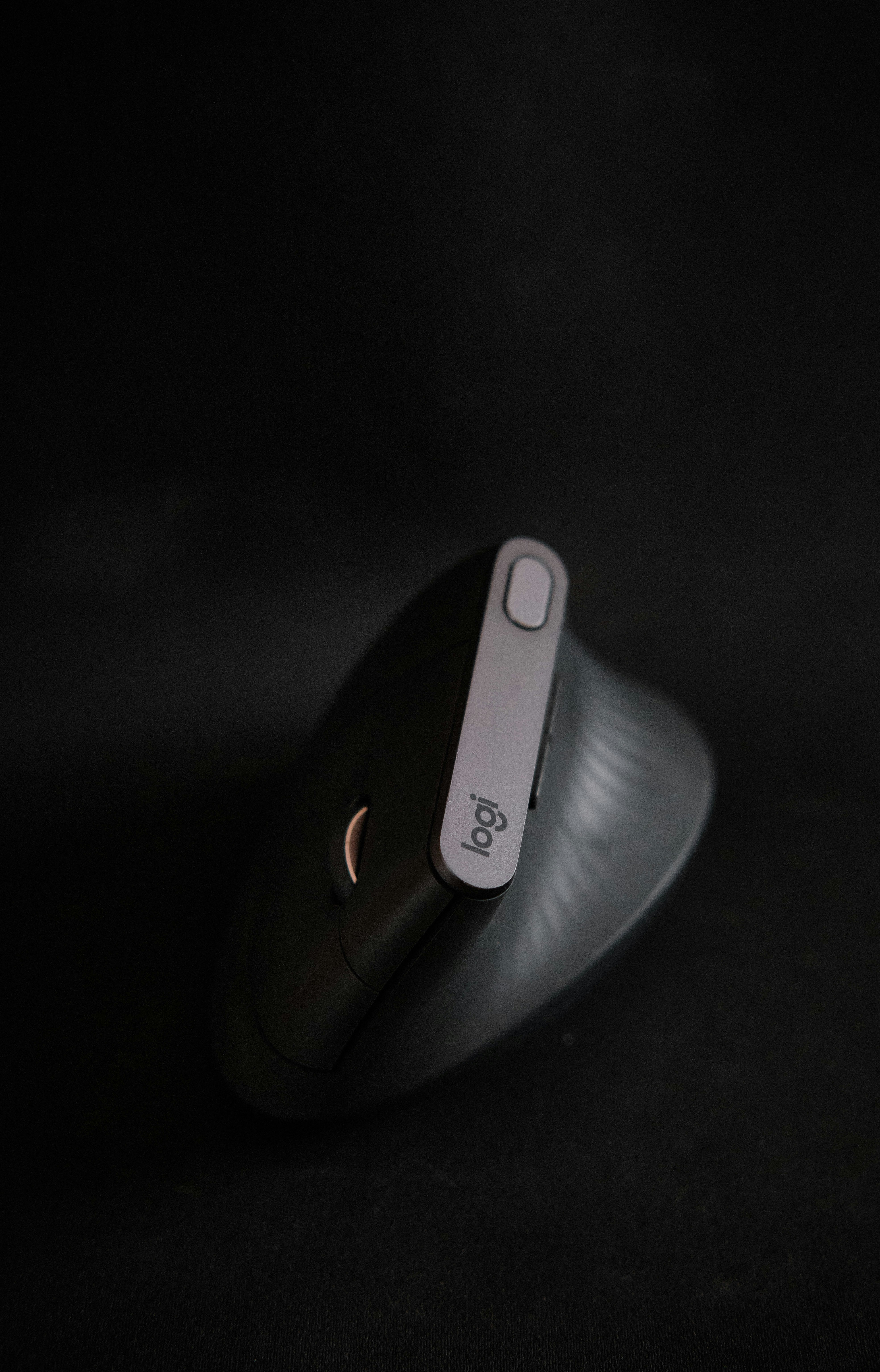
From $25 to $100, the 2026 vertical mouse market has a fit for every hand size and budget.
07 // The Final Verdict
For medium-to-large hands, the Logitech MX Vertical is the safest recommendation. 57-degree angle comfortable on day one, Flow multi-device value, USB-C charging. Small hands should get the Logitech Lift — same DNA in a shorter, quieter body.
If wrist pain is already a daily reality, the Razer Pro Click V2 earns its Editor's Choice. The 71.7-degree angle produces faster relief, and 102g means a full shift without forearm fatigue. Budget buyers should look at the Keychron M5 at $50 — best value in the category.
The Anker 2.4G at $25 is the gateway. Try it for a week, and if the vertical grip clicks, upgrade to the MX Vertical or Pro Click V2. For the full ergonomic battlestation, read our standing desk buyer's guide, our AI mouse comparison, and our dual monitor setup guide to nail the full desk layout.
Dial In Your Full Ergonomic Setup
Your vertical mouse is one piece of the puzzle. Check your monitor height, desk depth, and chair arm alignment with our free Ergonomic Biometric Calculator.
RUN THE CALCULATOR| Rank | Model | Best For | Price |
|---|---|---|---|
| 1 | Logitech MX Vertical | Best overall, medium/large hands | ~$75 |
| 2 | Razer Pro Click V2 | Serious RSI relief | $80-100 |
| 3 | Logitech Lift | Small hands | ~$70 |
| 4 | Keychron M5 | Best value | ~$50 |
| 5 | ProtoArc EM11 | Unique design, silent clicks | ~$40 |
| 6 | Anker 2.4G Vertical | Budget, no-risk trial | ~$25 |