UNDER-DESK KEYBOARD TRAYS: FIX YOUR STANDING DESK HEIGHT, KILL THE ARM PAIN
DEPLOYED: AUGUST 2026 • SECTOR: DESK ACCESSORIES
BY: J. MAC (LEAD BATTLESTATION ARCHITECT)
You bought a standing desk, dialed the height to your elbows, and your wrists still ache by 3 PM. The monitor is right, the chair is right, but your keyboard sits flat on the desk surface, two to three inches too high for your arms. That gap is the quiet failure behind most standing desk setups, and it is exactly what an under-desk keyboard tray fixes.
A keyboard tray drops the keyboard below the desk surface to the height your arms actually want, then adds negative tilt so your wrists rest neutral. Before you buy, run your desk height and monitor numbers through our calculator so you know where the tray should land.
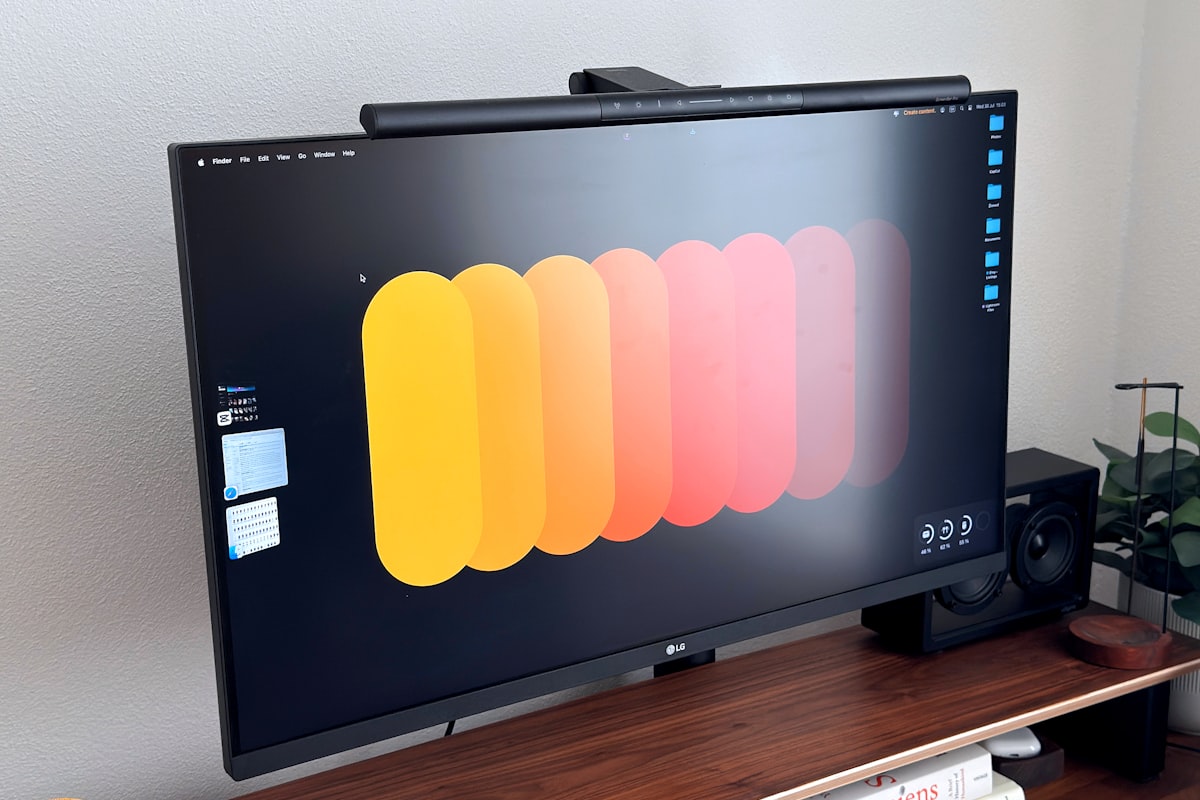
A keyboard sitting on top of the desk surface lands two to three inches too high for your arms. A tray fixes exactly this.
01 // Your Desk Height Is Right. Your Keyboard Height Is Wrong.
Here is the disconnect. A standing desk is sized so your elbows hang at 90 degrees, which is correct for the surface but leaves a keyboard on top two to three inches too high. You compensate by shrugging your shoulders or angling your wrists up. Do that for eight hours and your forearms, neck, and traps all pay for it.
The fix is not a wrist rest, which props your palms but does not lower the keys. The fix is getting the keyboard off the surface and down below it, exactly what a tray does. Pair it with a properly adjusted ergonomic chair and the whole chain lines up.
02 // Clamp vs Track-Mount: The Fork That Decides Everything
Before you compare brands, pick a mounting style. It changes what you can buy and whether it fits your desk at all.
Measure your desk depth before you shop. Most standing desks run 24 to 30 inches deep, which fits either style. But a shallow desk, or a T-frame crossbar right where the tray would bolt, rules out track mounts instantly. This is the step buyers skip, and it drives half the one-star reviews.
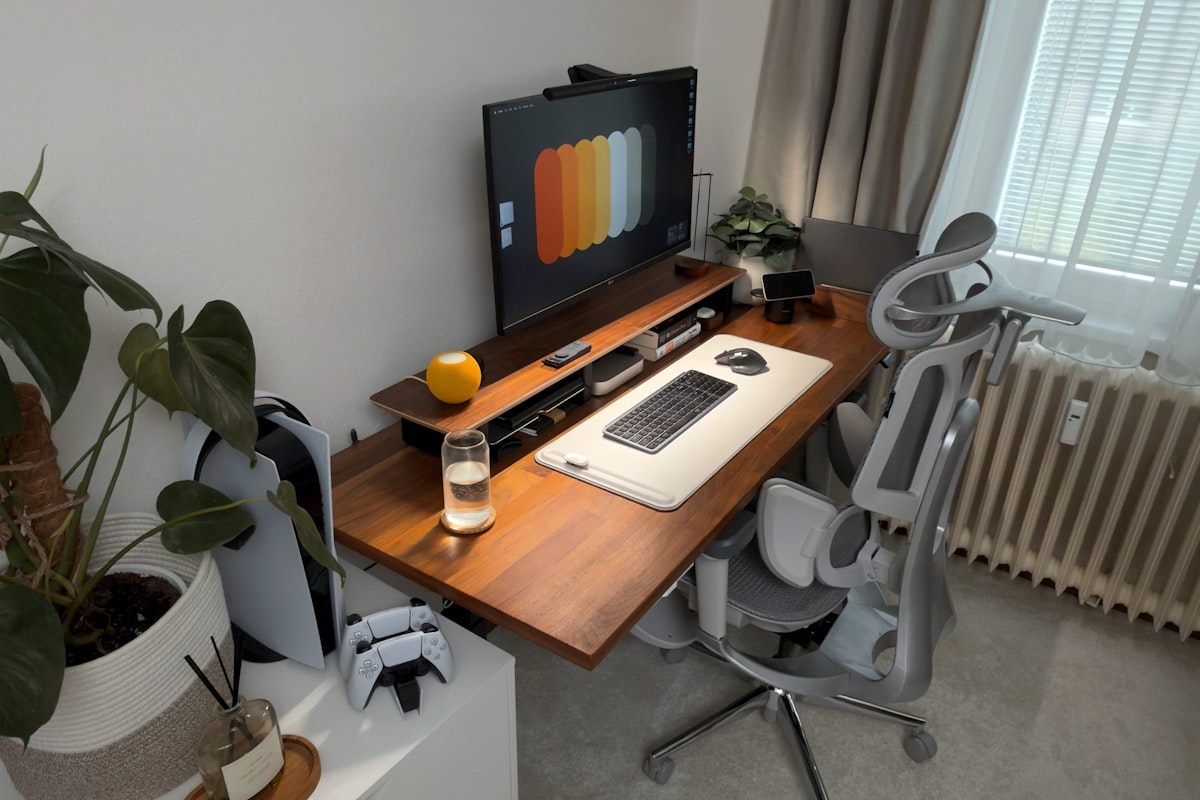
Before you buy a tray, measure your desk depth and check for a frame crossbar, the two things that decide clamp-on versus track-mount.
03 // The Six Trays Worth Your Money
Here is the field, from the consensus clamp-on pick to the enterprise-grade negative-tilt standard.
| Model | Mount | Platform | Tilt | Price |
|---|---|---|---|---|
| VIVO Clamp-On Keyboard Tray | Clamp, no drill | 27 x 11 in | Adjustable | ~$50 |
| HUANUO Under-Desk Tray | Track-mount | 26 x 10 in | Adjustable | $40-60 |
| Fellowes Office Suites | Track-mount | 25 x 10 in + mouse pad | 3-height | ~$98 |
| Mount-It! Clamp-On 30" | Clamp, no drill | 30 x 11 in | Adjustable | ~$60 |
| 3M Adjustable Tray | Track-mount | 22 x 9 in | True negative tilt | $150-200 |
| Humanscale Float | Track-mount | 27 x 9 in | Gas-spring counterbalance | ~$199 |
04 // Deep Dive: VIVO Clamp-On (The Consensus Pick)
The VIVO is where every keyboard tray roundup lands. The screw-tightened C-clamp grips desks up to 2 inches thick with zero drilling, the 27 by 11 inch platform holds a full-size keyboard plus mouse, and it pops off in seconds if you move desks. The adjustable tilt is the part people underrate: a slight downward angle is what actually relieves wrist pressure.
THE UPGRADES (PROS)
- No-drill clamp installs in minutes and moves between desks
- Full-size platform fits keyboard plus mouse
- Consensus YouTube pick across every 2026 roundup
THE TRADEOFFS (CONS)
- Clamp grip can flex on a heavily weighted keyboard
- Shallower slide than a track-mount
05 // The Value Picks: HUANUO and Mount-It!
If you want a track-mount without paying Fellowes money, the HUANUO at $40 to $60 is the move: sliding rail, high review count, wrist rest included. The Mount-It! Clamp-On 30" is the wide-boy option at 30 by 11 inches, holding a keyboard and a full mouse pad side by side.
THE UPGRADES (PROS)
- HUANUO: includes wrist rest, budget price
- Mount-It!: 30-inch width fits keyboard plus mouse pad
THE TRADEOFFS (CONS)
- HUANUO: plastic slide feels cheaper than steel
- Mount-It!: clamp needs a flat, open desk edge
06 // Depth, Bounce, and Negative Tilt: The Buyer Questions Nobody Answers
Three things kill a keyboard tray purchase, and none show up in the marketing copy. First, depth: a track-mount needs real clearance under the desk. Second, bounce: cheap trays flex and dip when you type hard, and steel rails flex less than plastic slides. Third, negative tilt, angling the front of the tray down, is the whole reason to bother, so skip anything that only adjusts height.
| Tray Type | Min Desk Depth | What It Costs You |
|---|---|---|
| Clamp-on | 0 inches (edge mount) | Fits shallow desks, slight flex |
| Track-mount, compact | 14-16 in | Needs open underside |
| Track-mount, full-size | 18-22 in | Conflicts with T-frame bars |
Once mounted, tie the tray into the rest of the desk. A split ergonomic keyboard on a negative-tilt tray is the best wrist-relief stack you can build, and a monitor arm frees the surface so the tray has room to slide. Route the cable into a cable management setup and it stays clean as the desk raises and lowers.
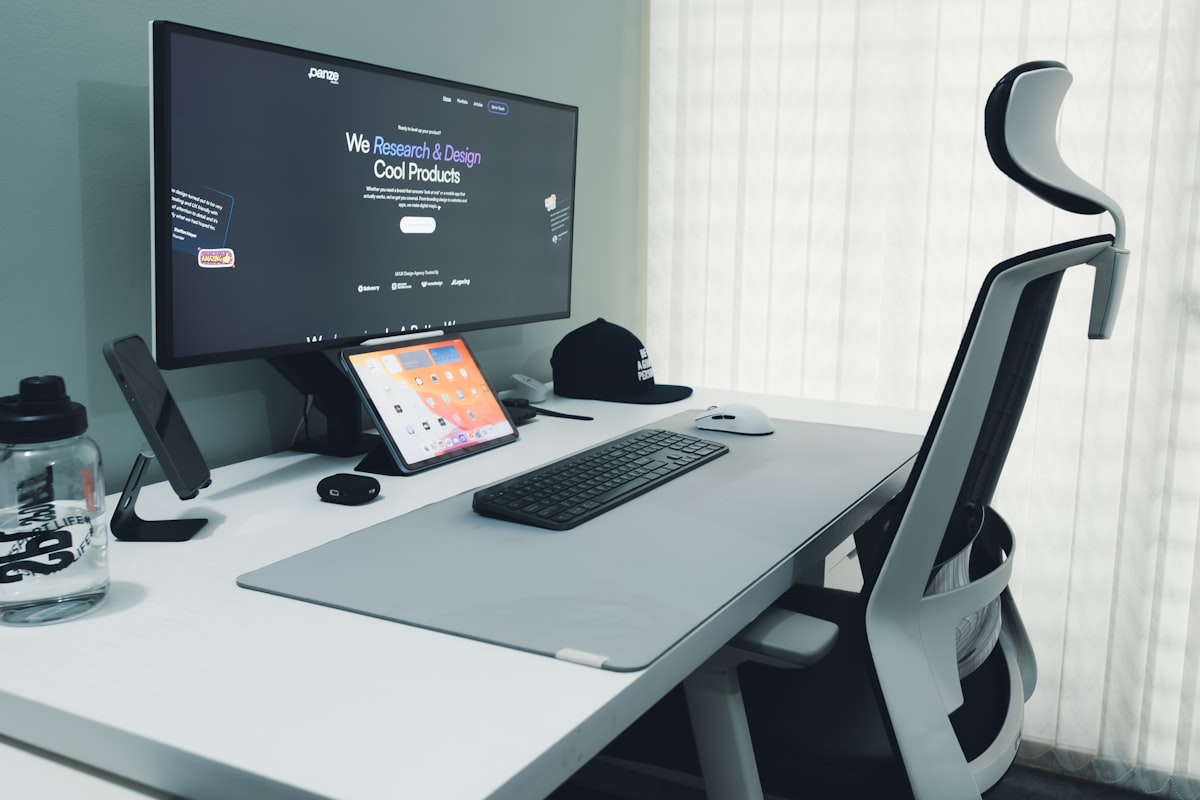
The goal: keyboard at elbow height, monitor at eye level, and a chair that holds you upright so the tray height stays correct.
07 // The Final Verdict
For most people, the VIVO Clamp-On is the answer: no drilling, fits shallow desks, and the adjustable tilt does the real ergonomic work. If your desk has the depth for a track-mount, the HUANUO is the budget pick and the Fellowes Office Suites adds a mouse platform.
If you type all day and have the budget, the Humanscale Float is the buy-it-once choice: gas-spring counterbalance and a 15-year warranty. But none of these fix a desk at the wrong height. Lock in your standing desk height and stability first, then run the ergonomic calculator before you bolt anything down.
Dial In the Tray Height Before You Buy
Your elbow height decides where the tray should sit. Get your exact ergonomic numbers first, then mount the tray to match.
RUN THE CALCULATOR| Rank | Model | Best For | Price |
|---|---|---|---|
| 1 | VIVO Clamp-On | Best overall, no drill, shallow desks | ~$50 |
| 2 | HUANUO Tray | Best budget track-mount | $40-60 |
| 3 | Fellowes Office Suites | Office staple, mouse platform | ~$98 |
| 4 | Mount-It! 30" | Widest platform, keyboard plus mouse pad | ~$60 |
| 5 | 3M Adjustable | True negative tilt, enterprise grade | $150-200 |
| 6 | Humanscale Float | Buy-it-once, gas-spring glide | ~$199 |