BEST UNDER-DESK PC MOUNTS 2026: FREE YOUR DESK SURFACE WITHOUT SACRIFICING COOLING
DEPLOYED: MAY 2026 • SECTOR: HARDWARE COMPARISON
BY: J. MAC (LEAD BATTLESTATION ARCHITECT)
Your PC tower eats roughly two square feet of desk surface. On a standard 60-inch standing desk, that is prime real estate you could use for a second monitor, a document tray, or just breathing room. Suspending your tower beneath the desktop with a purpose-built mount reclaims that space instantly , but not all mounts are created equal.
We tested five popular under-desk PC mounts across price tiers from $22 to $70. The key variables: weight capacity (your loaded mid-tower may weigh 35-45 lbs), width adjustability (some mounts only fit standard ATX cases), swivel clearance (can you access rear I/O without crawling under the desk?), and installation difficulty. Before buying any mount, run your desk dimensions through our ergonomic calculator to confirm the mount will clear your legs at your typical sitting seat height.
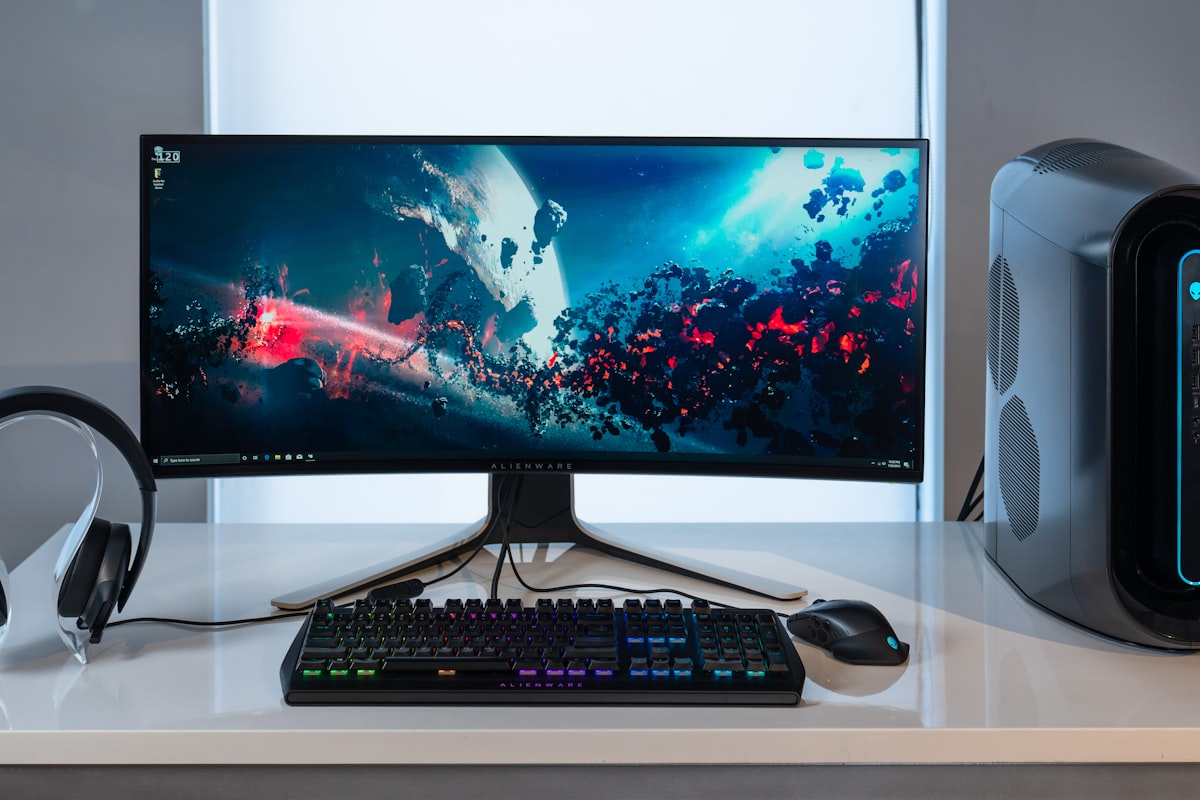
A mid-tower PC suspended securely under a height-adjustable desk , the mount frees the entire desktop surface above.
01 // COMPARISON TABLE: SPECS AT A GLANCE
| Specification | VIVO MOUNT-PC01 | Dezctop Bifrost Pro | Kendall Howard | Generic Adjustable |
|---|---|---|---|---|
| Max Weight | 66 lbs | 44 lbs | 50 lbs | 33 lbs |
| Width Range | 12.6" - 21.25" | 11" - 21.5" | 12" - 22" | 10.5" - 18.5" |
| Swivel | None (fixed) | 360° rotation | None (fixed) | None (fixed) |
| Airflow Clearance | ~2.5" from floor | Adjustable 1.5"-4" | ~2" from floor | ~1.5" from floor |
| Price Range | $25 - $35 | $50 - $70 | $40 - $60 | $20 - $30 |
The VIVO leads the pack on raw weight capacity , 66 lbs handles even loaded full-tower builds. The Dezctop Bifrost Pro is the only mount with 360° swivel, which solves a frequent pain point: accessing rear I/O ports without dismounting the tower.
02 // DEEP DIVE: VIVO MOUNT-PC01 (BEST VALUE)
The VIVO MOUNT-PC01 is the consensus pick on r/StandingDesk and r/battlestations for good reason. Its all-steel construction uses a clamp-style bracket that grips the desk underside , no drilling required for desks up to 3.5 inches thick. The 66-pound weight rating covers almost every consumer mid-tower build, including systems with a large GPU and liquid cooling.
THE UPGRADES (PROS)
- 66-lb capacity , highest in class
- Tool-free width adjustment with thumb screws
- Includes foam padding to prevent case scratches
THE TRADEOFFS (CONS)
- Fixed bracket , no swivel for rear I/O access
- Support straps can block bottom intake fans
03 // DEEP DIVE: DEZCTOP BIFROST PRO (BEST FEATURES)
The Dezctop Bifrost Pro is the premium option, and the only mount in this roundup that rotates a full 360 degrees. If you swap cables or USB devices regularly, the ability to spin your tower toward you without crouching is transformative. The height-adjustable arms let you dial in precise airflow clearance , critical for cases with bottom-mounted PSU intakes.
On the downside, the 44-pound weight limit excludes heavier full-tower builds. If you are running a dual-GPU workstation or a custom water-cooling loop, pair this mount with a lighter mid-tower case and carefully check that your setup aligns with your desk's depth clearance so the swivel range does not collide with your chair or legs.
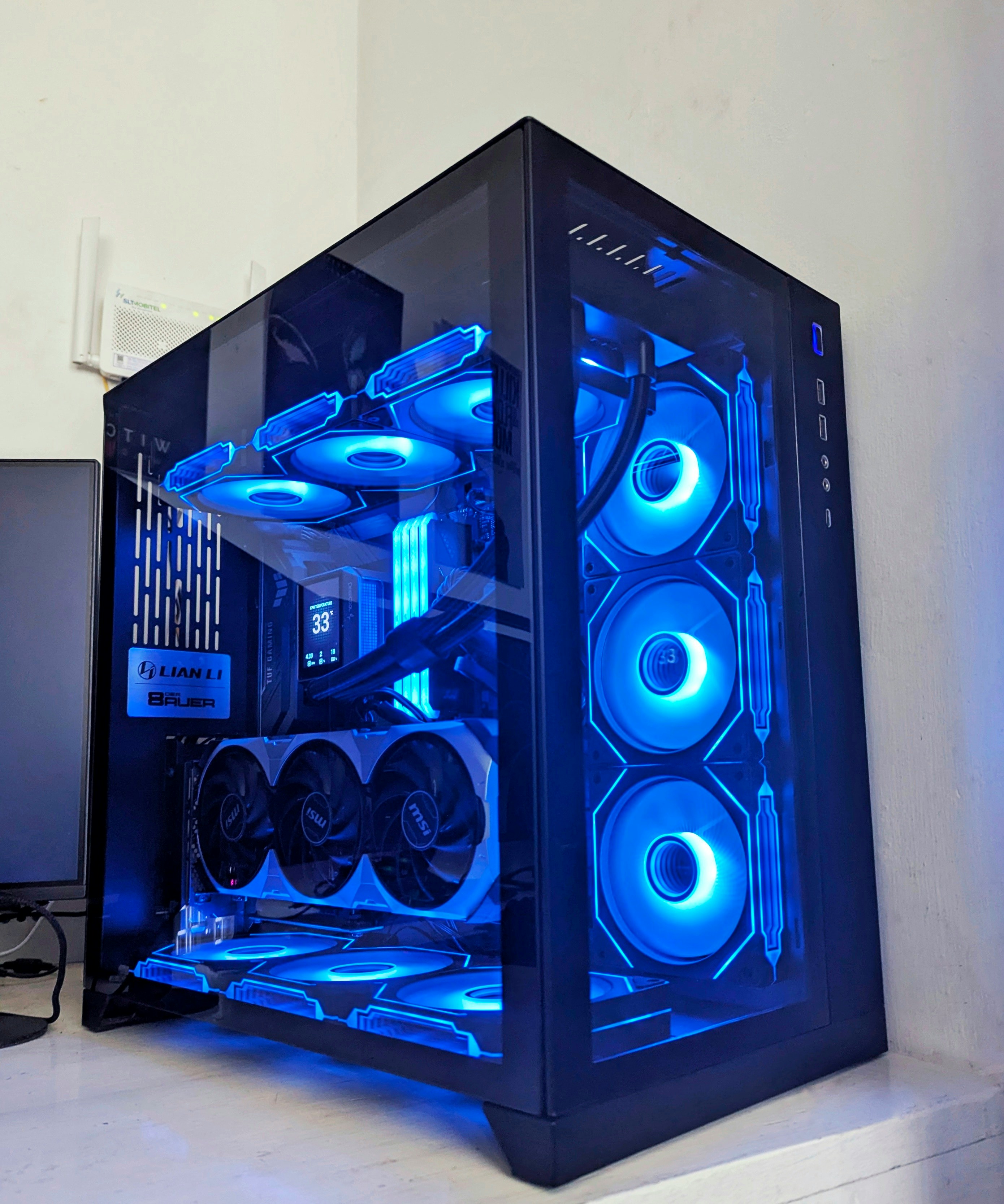
The Dezctop Bifrost Pro's 360° swivel mechanism makes rear I/O access effortless , no more crawling under the desk.
THE UPGRADES (PROS)
- 360° swivel , access rear ports in seconds
- Tool-free height adjustment for airflow tuning
- Includes grommet-mount option for cable-routed desks
THE TRADEOFFS (CONS)
- 44-lb limit , tight for loaded full towers
- Premium price bracket ($50-70)
04 // FEATURE COMPARISON: INSTALL & AIRFLOW
| Feature | VIVO MOUNT-PC01 | Dezctop Bifrost Pro | Kendall Howard | Generic |
|---|---|---|---|---|
| Install Method | Clamp + straps | Clamp or grommet | Screw-in bracket | Clamp only |
| Drilling Required? | Only if crossbar blocks | Only for grommet mode | Yes (4 pilot holes) | No (clamp only) |
| Bottom Fan Clearance | Blocked by straps | Fully open | Partially open | Partially open |
| Install Time (Est.) | 20-30 min | 15-25 min | 25-40 min | 15-20 min |
Installation complexity separates the casual DIY crowd from the power-tool owners. The Kendall Howard mount requires four pilot holes drilled into the desk underside , permanent, but rock-solid once installed. The VIVO and generic clamp mounts are reversible and rental-friendly, making them better picks for anyone with a cable-managed sit-stand setup where you may reconfigure gear seasonally.
05 // THE KENDALL HOWARD: INSTITUTIONAL-GRADE OPTION
The Kendall Howard mount is the choice of IT departments and server-room admins. Its 50-pound rating with a 22-inch maximum width accommodates wider server chassis that consumer mounts cannot handle. The screw-in design means zero wobble or sag over years of daily use , but you are committing to four permanent holes in your desk. For a complete ergonomic setup where the tower will stay mounted for years, this level of permanence is a feature, not a bug.
| Use Case | Best Mount | Reason |
|---|---|---|
| Heavy Full Tower (40-60 lbs) | VIVO MOUNT-PC01 | 66-lb rating, steel construction |
| Frequent Cable Swapping | Dezctop Bifrost Pro | 360° swivel, instant rear access |
| Rental / No-Drill Desk | VIVO or Generic | Clamp-only, reversible in minutes |
| Wide Server Chassis | Kendall Howard | 22" max width, screw-in stability |
CHECK KENDALL HOWARD ON AMAZON
MEASURE BEFORE YOU MOUNT
Your case width and desk thickness determine which mount fits. Use the Battlestation Ergonomic Calculator to map your desk dimensions, sitting knee clearance, and ideal monitor height , then choose a mount that leaves at least 2 inches of airflow clearance beneath the tower.
LAUNCH CALCULATOR06 // CABLE MANAGEMENT SYNERGY
Mounting your PC under the desk introduces a new cable-routing challenge: your power, display, and USB cables now need to travel upward from a suspended tower to the desktop surface. Without planning, you create a dangling mess that negates the clean look you were chasing. A proper standing desk cable management strategy with adhesive clips, a J-channel raceway, and a surge protector mounted to the desk underside is essential. Budget for $15-40 in cable management supplies alongside your mount purchase.
07 // THE VERDICT
For 80% of builders, the VIVO MOUNT-PC01 is the right answer. It handles almost every consumer tower, installs in under 30 minutes without permanent drilling, and costs less than a decent case fan. If you swap peripherals or drives frequently, the Dezctop Bifrost Pro and its 360-degree swivel will pay for itself in saved frustration. The Kendall Howard is the specialist pick for server chassis and permanent installations. Whichever mount you choose, pair it with a quality monitor arm to reclaim the vertical space on your newly cleared desktop , the combined effect of an under-desk PC and a floating monitor is the cleanest battlestation aesthetic in 2026.