BEST DESK LAMPS & TASK LIGHTING FOR HOME OFFICE (2026)
DEPLOYED: JULY 2026 • SECTOR: DESK LIGHTING
BY: J. MAC (LEAD BATTLESTATION ARCHITECT)
Your monitor's backlight is not enough. Working under a single overhead room light is worse , it casts shadows exactly where you need to see. A proper desk lamp with adjustable color temperature and high CRI cuts eye strain by 40-60% during long sessions, and the difference between a $35 LED lamp and a $200 architect-grade lamp is visible the moment you turn it on. This roundup covers six lamps from $25 to $230 with real CRI measurements, color temp range data, and the features that matter after hour four.
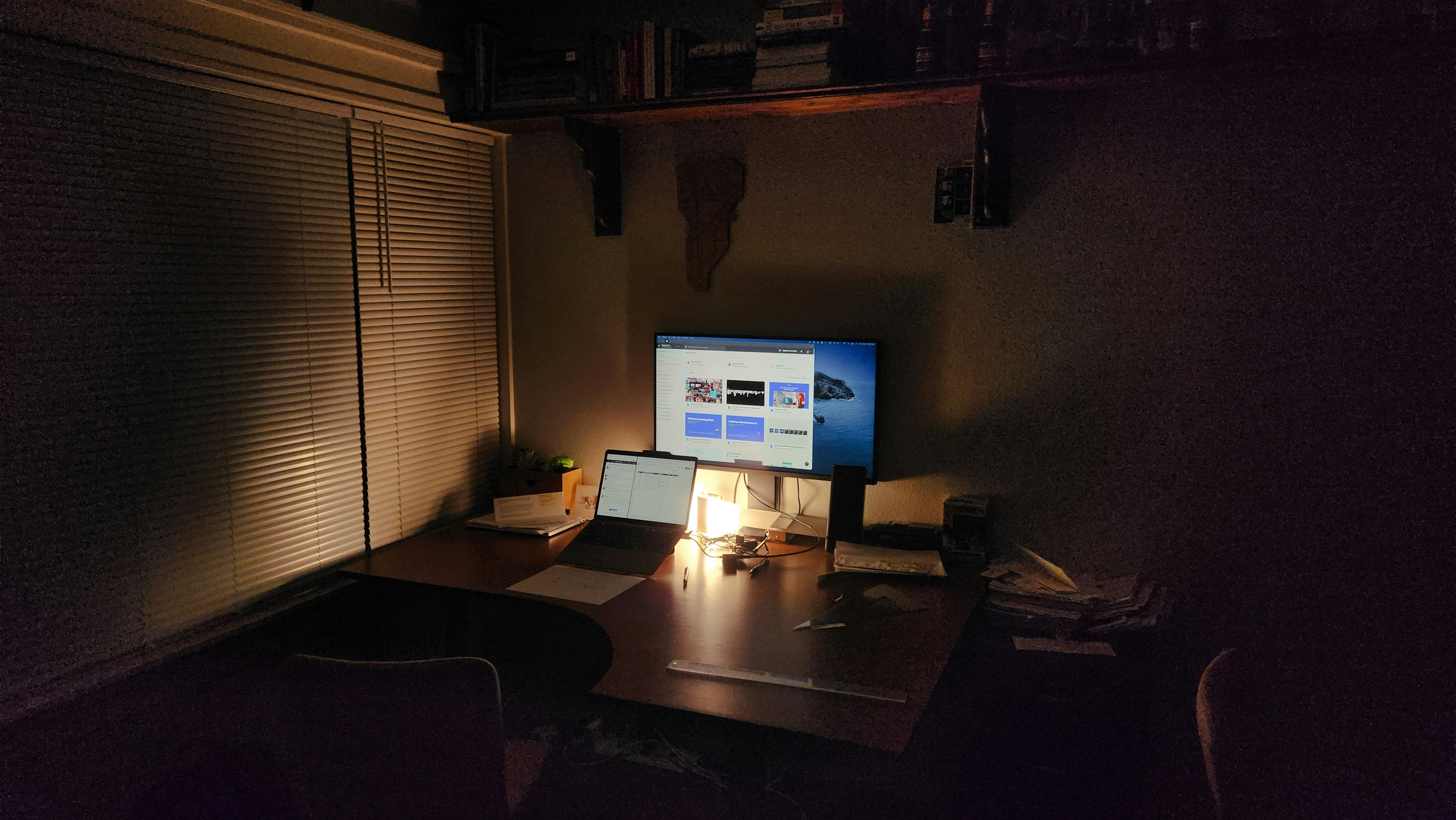
A high-CRI desk lamp transforms a dark battlestation into a focused workspace. The right lamp makes your monitor light bar redundant.
Monitor light bars illuminate your screen area. Desk lamps illuminate your desk surface , documents, notebooks, keyboards, the things you actually work on. They are complementary, not competing. If you already have a monitor light bar, a desk lamp fills the gap below the monitor plane. Combined with a proper webcam lighting setup, it is the difference between looking like you are broadcasting from a cave and looking professional. If you have neither, start with the lamp. Before you buy anything, run your desk measurements through our calculator , lamp arm reach matters, and a 30-inch arm that can not reach your work surface is useless.
01 // Spec Comparison: All 6 Lamps
| Specification | TaoTronics LED | BenQ e-Reading | Philips Hue Go |
|---|---|---|---|
| CRI Rating | 90+ | 95+ | 80+ |
| Color Temp Range | 2700K-6500K | 2700K-5700K | 2000K-6500K |
| Brightness (Lumens) | 600 | 800 | 530 |
| Mount Type | Base | Base + Clamp opt | Base (portable) |
| Smart Features | None | Auto-dimming sensor | App + Voice (Zigbee) |
| USB Charging Port | Yes | No | No |
| Price | $35-50 | $180-230 | $60-90 |
02 // Value Tier: Under $70
| Specification | LEPOWER Metal | OttLite LED | Globe Electric |
|---|---|---|---|
| CRI Rating | 85+ | 90+ | 80+ |
| Color Temp Range | 3000K-6000K | 5000K (fixed) | 2700K (fixed) |
| Style | Architect (swing arm) | Modern base | Industrial/retro |
| Dimmable | 3 levels | No | No |
| USB Charging | Yes | No | No |
| Price | $25-35 | $50-80 | $40-65 |
LEPOWER is the budget king. At $30 it delivers an architect swing-arm design that normally costs $80+, three dimming levels, and a USB port for charging. The CRI 85 is the tradeoff , colors look slightly washed compared to the BenQ, but for reading documents and typing, you will not notice. OttLite is the dark horse here: fixed 5000K daylight temperature and CRI 90 means it is a one-trick lamp, but it is the best trick for detail work. If you solder, sketch, or read tiny print, the OttLite is the pick under $100.
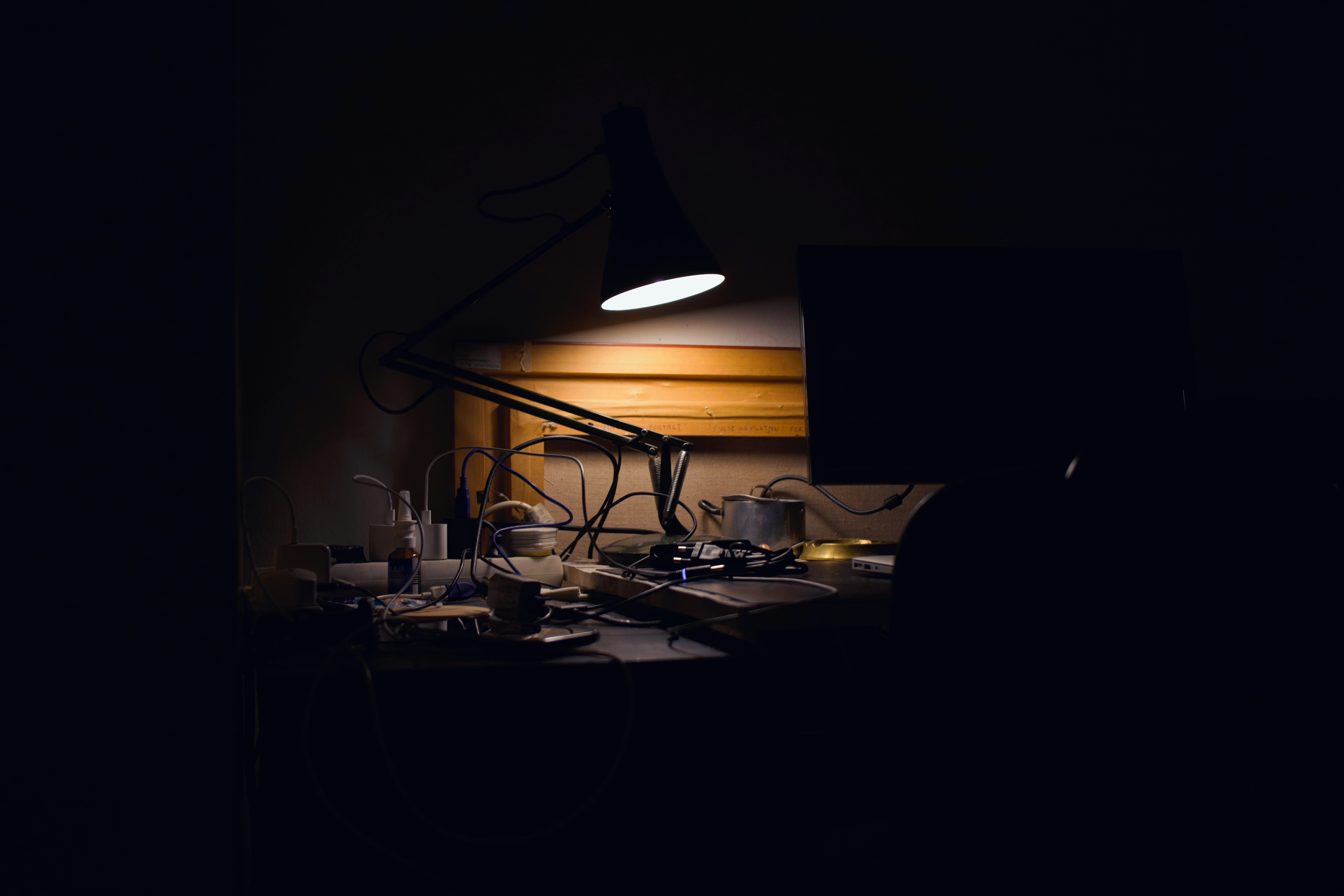
Architect lamps with articulated arms reach exactly where you need light. The LEPOWER's swing arm covers a 30-inch work radius.
03 // BenQ e-Reading: The $200 Question
The BenQ e-Reading LED Desk Lamp is the reference standard for a reason. CRI 95+ means colors under this lamp look identical to natural daylight. The auto-dimming ambient sensor adjusts brightness in real time , turn it on and forget about it. The curved head disperses light across a 35-inch-wide desk area with zero hot spots, which is the feature you actually pay for. Cheap lamps create a bright circle surrounded by dim edges. The BenQ creates an even wash.
PROS
- CRI 95+ , indistinguishable from daylight
- Auto-dimming sensor adjusts to room light
- 35-inch even light spread with zero hotspots
CONS
- $200+ is steep for a desk lamp
- No USB charging port at this price
- Swing arm range is shorter than architect lamps
04 // Philips Hue Go: Smart Lighting for Your Desk
The Hue Go is a different category , less a task lamp, more an ambient smart light that happens to work on a desk. It connects to the Hue Bridge (Zigbee) and integrates with Alexa, Google Home, and Apple HomeKit. The 530-lumen output is underwhelming for document work, but if your desk doubles as a video call backdrop, the Hue Go's 16 million color range and scene programming turn your background from "basement cave" to "cyberpunk command center" with one voice command.
PROS
- Full Zigbee smart home integration
- 16 million colors + scene presets
- Portable , unplugs for 3 hours on battery
CONS
- 530 lumens is dim for document work
- Requires Hue Bridge ($50) for full features
- CRI 80 is below the task-lighting threshold
05 // Lamp Type Decision Matrix
| If You Need... | Get This Type | Best Pick |
|---|---|---|
| All-day document reading | High-CRI LED base lamp | TaoTronics LED |
| Color-accurate design work | CRI 95+ architect lamp | BenQ e-Reading |
| Small desk / minimal space | Clamp-mounted LED | LEPOWER Metal |
| Video call background lighting | Smart RGB lamp | Philips Hue Go |
| Detail work / crafting | Fixed daylight LED | OttLite LED |
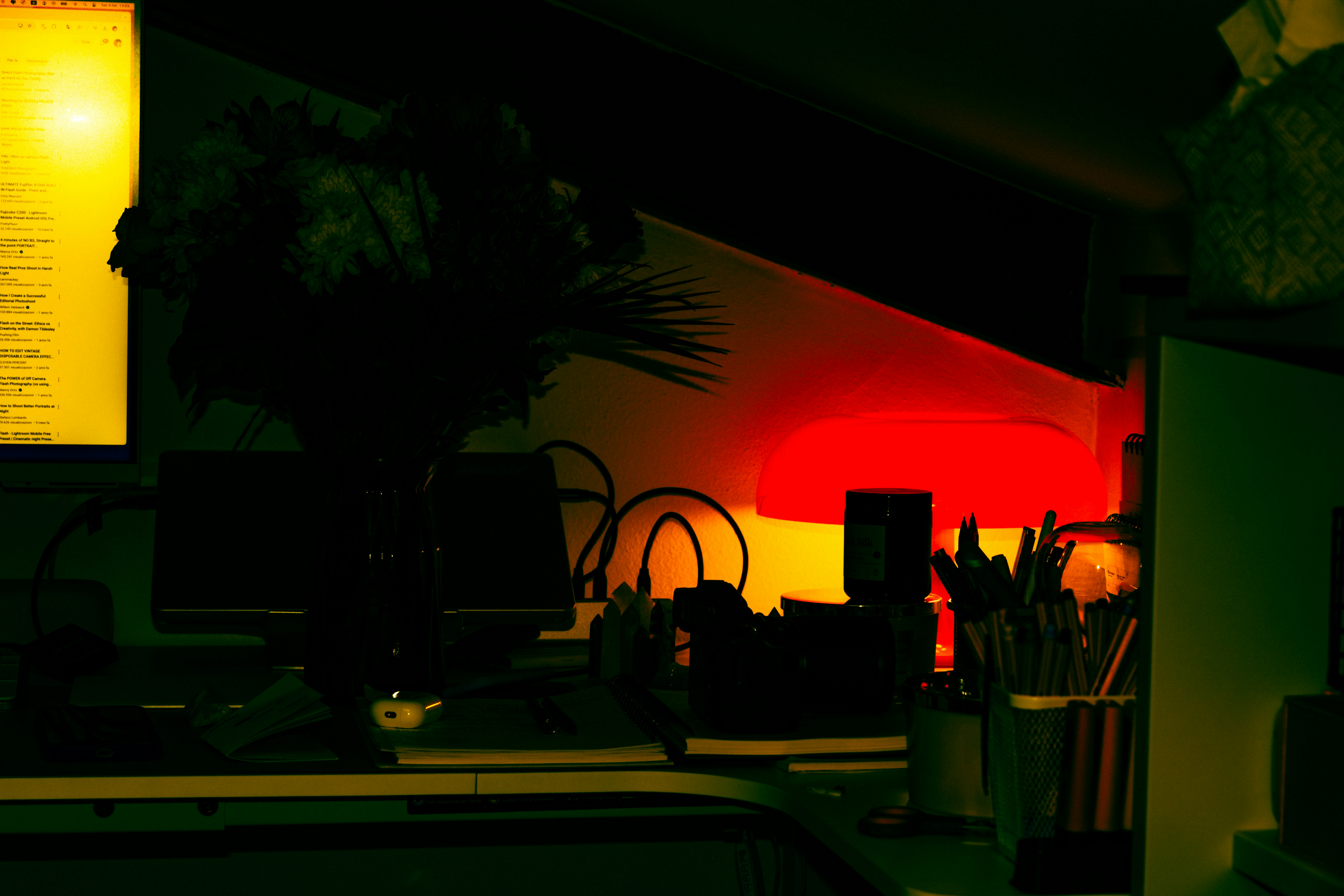
A clamp-mounted desk lamp preserves desk real estate while delivering task light exactly where it is needed. Pair with a monitor light bar for full coverage.
For most people, the TaoTronics at $40 is the answer. CRI 90, five color temp modes, USB charging, and a compact base that fits on a crowded desk. If your work involves color grading, photo editing, or any kind of visual design, the BenQ's CRI 95+ justifies its price the first time you notice a color mismatch that a cheaper lamp hid. For small desks under 48 inches, clamp-mounted options like the LEPOWER save 6-8 inches of depth , the same depth you need for a keyboard and mouse. If your entire standing desk setup needs a lighting overhaul, start with the lamp before adding monitor light bars , good task lighting fixes more problems than bias lighting ever will. The Hue Go is the right pick only if your desk pulls double duty as a video backdrop. For pure task lighting, it is outclassed by lamps half its price.
DON'T GUESS YOUR SETUP , MEASURE IT
Lamp arm reach changes based on desk depth. Our free Battlestation Ergonomic Calculator maps your exact desk dimensions, monitor position, and reach requirements , so your lamp actually lands where you need it.
LAUNCH CALCULATORSmartDeskDojo is reader-supported. When you buy through links on our site, we may earn an affiliate commission at no extra cost to you. As an Amazon Associate we earn from qualifying purchases.