BEST WEBCAMS & VIDEO LIGHTING 2026: LOOK SHARP ON EVERY ZOOM
DEPLOYED: JUNE 2026 • SECTOR: AUDIO/VIDEO GEAR
BY: J. MAC (LEAD BATTLESTATION ARCHITECT)
Your laptop webcam and overhead ceiling light are the worst possible combination for video calls. One pointed up your nose, the other casting raccoon-eye shadows. WIRED's reviewer called the result "looking like a bridge troll" on every Zoom. A $50 light and a webcam from this decade fixes it in five minutes.
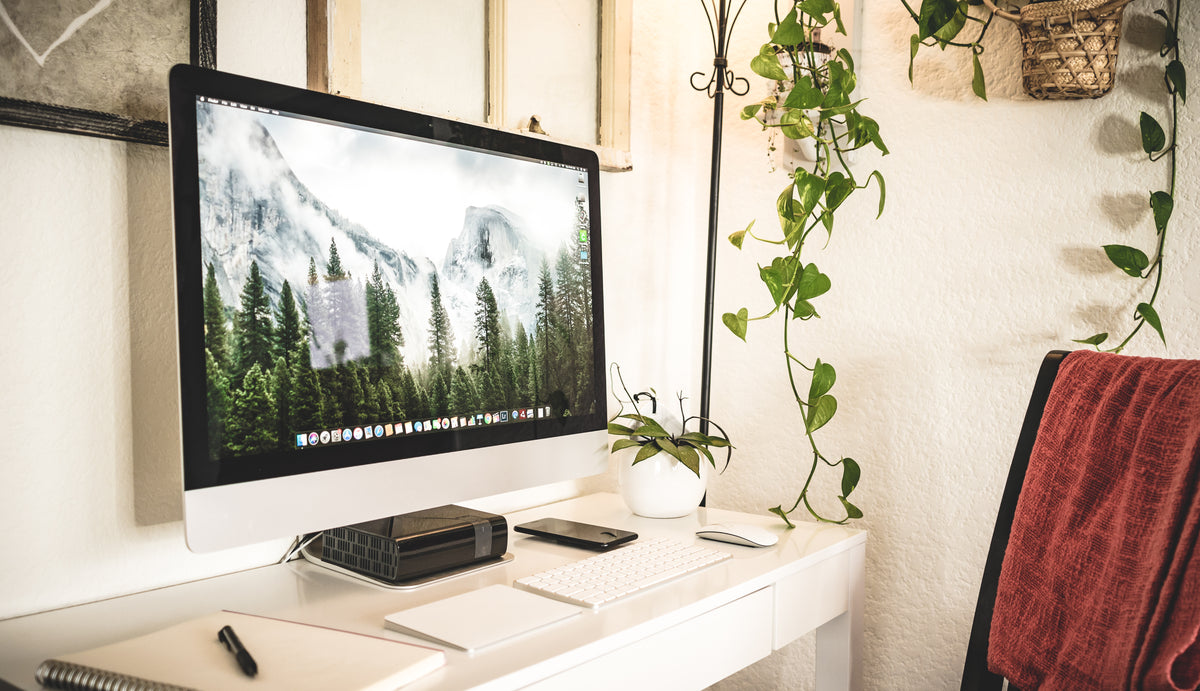
A quality webcam paired with a key light transforms even a modest desk into a professional video setup.
The webcam market just got a generational refresh. Insta360 launched the Link 2 Pro with AI gimbal tracking, Obsbot dropped the Tiny 3, and Logitech cemented its lead with the MX Brio. Before upgrading, run your desk height and monitor distance through our ergonomic calculator , webcam positioning depends on getting your monitor and chair geometry right first.
01 // WEBCAM COMPARISON TABLE
The spec sheet reveals where your money goes. Resolution matters less than you think , sensor quality, autofocus speed, and mounting flexibility determine whether you look good on screen or just less bad.
| Webcam | Resolution | Key Feature | Windows Hello | Price |
|---|---|---|---|---|
| Logitech MX Brio | 4K/30fps | RightLight 5, Show Mode | No | $180-200 |
| Insta360 Link 2 Pro | 4K/30fps | AI gimbal tracking, gestures | No | $200-250 |
| Obsbot Tiny 3 | 4K/30fps | Compact AI PTZ, voice control | No | $130-160 |
| Dell UltraSharp WB7022 | 4K/30fps | Sony STARVIS sensor, AI framing | Yes | $150-180 |
| NexiGo HelloCam Pro | 1080p/60fps | Windows Hello face recognition | Yes | $80-100 |
| Anker PowerConf C200 | 2K/30fps | Built-in privacy shutter, 115° FOV | No | $50-60 |
| Logitech C920s Pro HD | 1080p/30fps | Dual mics, privacy shutter, proven | No | $60-70 |
| NexiGo N930AF | 1080p/30fps | Autofocus, built-in ring light | No | $40-50 |
Thread count and price tags only tell half the story. Pairing any webcam with a quality monitor arm gets the lens to eye level without stacking books.
02 // DEEP DIVE: LOGITECH MX BRIO (BEST OVERALL)
The MX Brio is Logitech's flagship webcam, and it shows. RightLight 5 auto-adjusts exposure and white balance so quickly you won't notice it working , no more blown-out windows behind you or grainy shadows. Show Mode tilts the camera down to capture your desk surface for whiteboarding or document sharing, a genuinely useful feature for hybrid meetings.
The 4K sensor produces clean video in anything above dim ambient light. At 1080p it runs 60fps , smoother motion for presentations where you move around. The magnetic privacy shutter is a nice touch, snapping on and off without the flimsy plastic slider most webcams use.
THE UPGRADES (PROS)
- Best-in-class auto-exposure and color handling
- Show Mode for desk-content sharing
- Premium build with magnetic shutter
THE TRADEOFFS (CONS)
- No Windows Hello IR sensor
- At $180-200, more expensive than most need
03 // DEEP DIVE: INSTA360 LINK 2 PRO VS OBSBOT TINY 3
The AI PTZ (pan-tilt-zoom) category just got its biggest shakeup. Both the Insta360 Link 2 Pro and Obsbot Tiny 3 use gimbals to physically track your movement , stand up, pace during a call, walk to a whiteboard, and the camera follows. The Link 2 Pro adds hand gesture control (raise a palm to zoom, make an L-shape to enable tracking). The Tiny 3 counters with voice commands and a magnetic mount that's genuinely clever.
AI PTZ webcams like the Insta360 Link 2 Pro physically pan and tilt to follow you around the room , no software cropping required.
AI PTZ ADVANTAGES
- True physical tracking, not software crop-zoom
- Gesture and voice control mean less mouse interaction
- Tiny 3's magnetic mount is the best in class
AI PTZ TRADEOFFS
- More moving parts = more failure points
- Gimbal motors are audible in quiet rooms
04 // VIDEO LIGHTING COMPARISON
A $40 webcam with good lighting looks better than a $200 webcam in the dark. Ring lights, bar lights, and panel lights each have distinct tradeoffs for desk setups.
| Light | Type | Color Temp | Key Feature | Price |
|---|---|---|---|---|
| Logitech Litra Beam | Bar Key Light | 2700-6500K | Flexible positioning, monitor clip | $100 |
| Logitech Litra Glow | Compact Bar | 2700-6500K | USB-powered, 5 brightness levels | $50-60 |
| Elgato Ring Light | Ring Light | 2900-7000K | 17" professional ring, desk clamp | $180-200 |
| Elgato Key Light Mini | Portable Panel | 2900-7000K | Battery-powered, Wi-Fi control | $100 |
| Neewer 18" Ring Light Kit | Ring Light | 3200-5600K | Full kit with 61" stand, BT remote | $50-70 |
| Lume Cube Edge Light 2.0 | Panel Light | Adjustable | 95+ CRI, app control, compact | $120-150 |
Bar lights like the Litra Beam clip directly to your monitor , critical for standing desks where the light needs to travel with the screen. For the complete wire-free look, add our cable management guide's USB routing strategies to hide every power cord.
05 // LIGHTING PLACEMENT ON A STANDING DESK
Most lighting guides assume a fixed desk height. But if you're running a sit-stand desk, the light's position relative to your face changes every time you raise or lower the surface. The fix: mount the light to your monitor or monitor arm, not the desk surface. Bar-style lights (Litra Beam, Litra Glow) with monitor clips handle this automatically. Ring lights on floor stands should be positioned behind the desk, angled slightly downward so the light path stays consistent across desk heights.

A bar-style key light mounted to the monitor travels with the screen when you switch between sitting and standing heights.
GET YOUR SETUP GEOMETRY RIGHT
Webcam height, monitor distance, and lighting placement all depend on your body measurements. A webcam at the wrong height makes everyone look like they're either towering or cowering.
LAUNCH ERGONOMIC CALCULATOR06 // BEST WEBCAM FOR LOW LIGHT: NO RING LIGHT REQUIRED
Not everyone wants a light shining at their face for eight hours. If your home office has north-facing windows, basement lighting, or you take calls in the evening after the sun sets, the right webcam can compensate for bad light without turning your desk into a photo studio.
The specification that matters is sensor size and aperture, not megapixels. A larger sensor captures more photons per pixel, and a wider aperture (lower f-stop equivalent) lets more light through. The Insta360 Link 2 Pro uses a 1/2-inch sensor with an f/1.8 equivalent lens , the largest sensor in any consumer webcam in 2026 , and produces usable 1080p video in as little as 1 lux of ambient light, which is roughly the brightness of a single candle. If you work in a truly dark room, this is the only webcam that delivers a clean, non-grainy image without supplemental lighting.
The Logitech MX Brio at $180-200 takes a different approach: its RightLight 5 algorithm uses AI-based exposure stacking that combines multiple frames at different exposures into a single well-lit output. In practice, it works in rooms lit by a single monitor glow at night , the image is slightly softer than the Insta360's but entirely usable for Zoom. The Obsbot Tiny 3 at $200-230 splits the difference with a 1/2-inch sensor and an IR-assisted low-light mode that kicks in below 5 lux but introduces a slight monochrome shift in the darkest conditions.
Budget option: The NexiGo N930AF at $40-50 includes a built-in ring light , it is not a replacement for good ambient lighting, but at close range (under 24 inches) it lifts a face from shadow well enough for casual calls. The image looks slightly flat, but it beats a grainy mess. For users pairing a webcam with a monitor arm, position the webcam slightly above eye level , this angle catches more ceiling-bounce light and reduces the undereye shadows that low-light setups amplify.
07 // DSLR VS WEBCAM FOR VIDEO CALLS: THE 2026 ANSWER
The DSLR-as-webcam trend peaked in 2023 and has been steadily declining for a simple reason: 2026 webcams have closed the image quality gap while eliminating the friction that makes DSLR setups annoying. If you are considering a Sony A6400 or Canon EOS R50 for Zoom calls, here is the honest math.
DSLR advantages: Genuinely cinematic depth of field with an f/1.4 lens, superior color science, and the ability to shoot 4K at 60 fps. You look like a YouTuber. The image is undeniably better. DSLR disadvantages: The camera body ($800-1,200), a capture card like the Elgato Cam Link 4K ($100), a dummy battery for continuous power ($40), and a lens ($200-500) total roughly $1,200-1,800. The camera overheats on calls longer than 45 minutes unless you use a dummy battery and remove the SD card. Software like the Sony Imaging Edge Webcam driver is finicky, drops connection on sleep/wake, and requires a reboot roughly once a week. And the camera occupies a tripod footprint on your desk permanently.
The 2026 webcam reality: The Insta360 Link 2 Pro at $200-250 produces 4K at 30 fps with a sensor large enough that the depth-of-field difference from a DSLR is invisible on a compressed Zoom stream. The AI gimbal tracking means you can move during calls , something a fixed DSLR cannot match without a motorized tripod head. For 99% of remote workers, the Insta360 Link 2 Pro or Logitech MX Brio at $180-200 produce an image that viewers cannot distinguish from DSLR footage on a video call. The only reason to use a DSLR in 2026 is if you are simultaneously recording YouTube content and need the same camera for both workflows.
Bottom line: Spend the $1,200 DSLR budget on a top-tier webcam ($200), a quality light ($100), and put the remaining $900 toward a proper standing desk or an ergonomic chair. The total image quality of a good webcam plus good lighting beats a DSLR in bad lighting every single time , and your spine will thank you for the chair.
08 // THE FINAL VERDICT
Best overall webcam: Logitech MX Brio at $180-200. Best-in-class auto-exposure, Show Mode for hybrid meetings, and the build quality justifies the premium. If you spend 10+ hours on video calls every week, this is the one.
Best AI tracking: Insta360 Link 2 Pro at $200-250. The gimbal tracking is genuine hardware magic , not software cropping , and gesture control works better than it has any right to. Worth it if you move around during calls or record presentations.
Best budget webcam: Anker PowerConf C200 at $50-60. 2K resolution, built-in privacy shutter, and Anker's reliability at half the price of name-brand competitors. The NexiGo N930AF at $40-50 is the absolute floor if you need something that works today , its built-in ring light compensates for poor room lighting at the cost of looking a bit artificial.
Best lighting: Logitech Litra Beam at $100. Bar form factor integrates with any monitor setup and the 2700-6500K range covers warm to cool. The Neewer 18" Ring Light Kit at $50-70 is the budget king , a full kit with stand for less than some webcams cost.
Pair your webcam and light with an ergonomic chair that keeps you at the right height and our desk depth guide for large monitors. The goal isn't a studio production , it's to look like the professional you already are, just visible now.