DESKTOP SPEAKERS OR HEADPHONES: THE WFH AUDIO DECISION NOBODY TALKS ABOUT
DEPLOYED: JULY 2026 • SECTOR: WFH AUDIO
BY: J. MAC (LEAD BATTLESTATION ARCHITECT)
Eight hours in a headset. Hot ears. Jaw tension from the clamp force. The relief of taking it off at 5 PM feels like surfacing from underwater. Desktop speakers are the obvious fix , except everyone shares a home office wall with someone. This guide is about which speakers work at low-to-moderate volumes, which ones sound like a Bluetooth shower speaker, and whether the headphone-to-speaker switch actually improves your workday or just creates new problems.
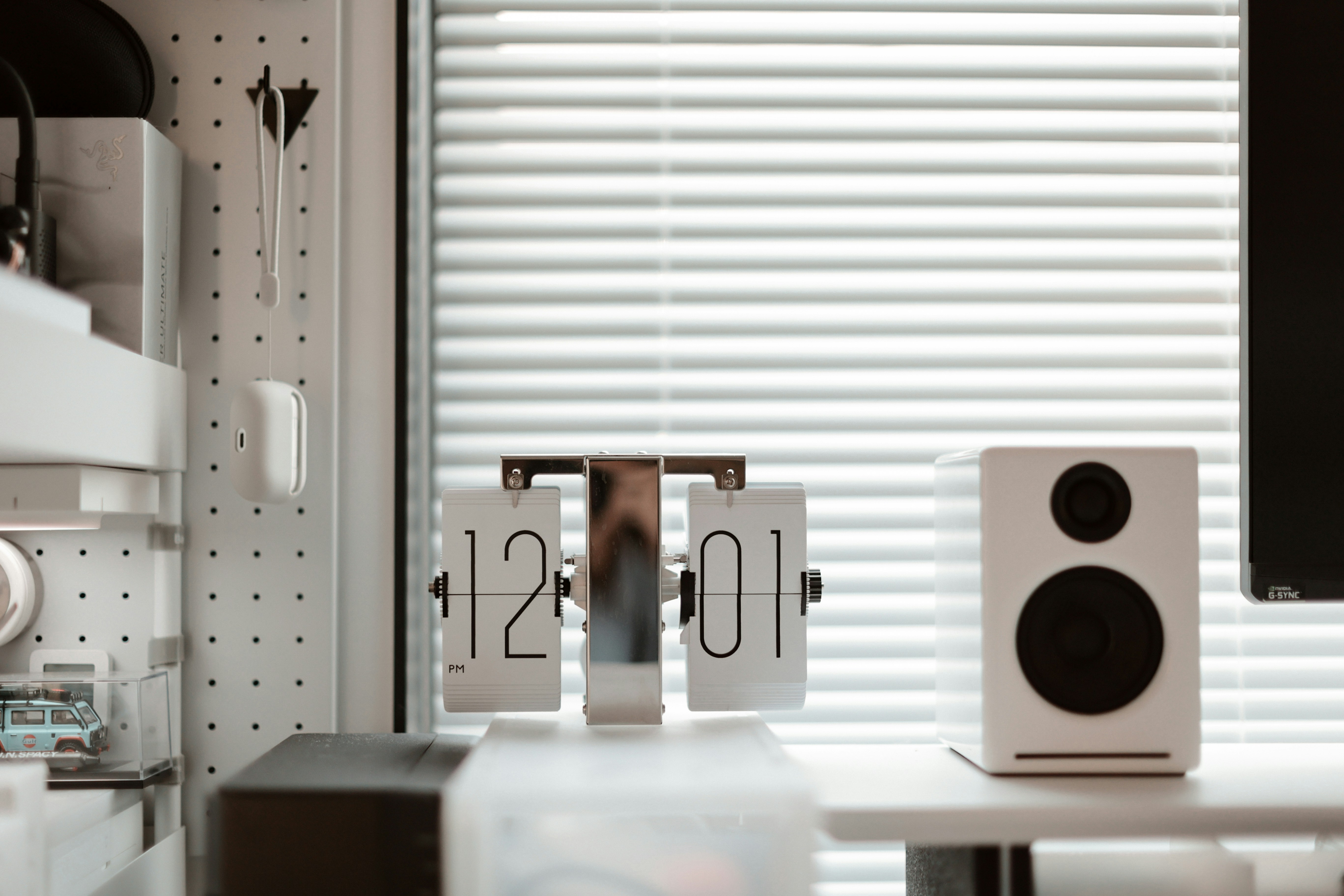
A speaker-first desk setup eliminates headset fatigue. The tradeoff is shared-space sound , positioning and volume control matter more than driver size.
01 // The Case For and Against Desktop Speakers
SPEAKERS OVER HEADPHONES
- Zero ear fatigue after 8+ hours
- Hear the doorbell, phone, or kid calling you
- No headset hair for video calls
- Music actually sounds spacious, not clamped to your skull
HEADPHONES OVER SPEAKERS
- Private , nobody hears your Zoom call
- Active noise canceling blocks leaf blowers and construction
- Microphone is built in and close to your mouth
- Works in shared offices, coffee shops, and airplanes
The answer for most people: both. Speakers for focused solo work, noise-canceling headphones for calls and noisy environments. The real question is which speakers at which price point. The jump from a $25 USB speaker to a $100 powered bookshelf pair is the biggest upgrade in desktop audio, and most people never make it.
02 // Speaker Comparison: Budget to Premium
| Specification | Creative Pebble V3 | Edifier R1280T | Audioengine A2+ |
|---|---|---|---|
| Type | 2.0 USB-C powered | 2.0 powered bookshelf | 2.0 powered + wireless |
| Driver Size | 2-inch full-range | 4-inch woofer + 13mm tweeter | 2.75-inch aramid fiber |
| Connectivity | USB-C, 3.5mm aux | Dual RCA, 3.5mm | USB, 3.5mm, Bluetooth 5.0 |
| Subwoofer | None (bass gain switch) | None (bass reflex port) | None (sub out available) |
| Desk Footprint | Minimal (4.4-inch spheres) | Large (5.8 x 9.2-inch each) | Compact (4 x 6-inch each) |
| Price | $35-50 | $100-130 | $270-300 |
03 // The 2.1 Question: Do You Need a Subwoofer?
| Specification | Klipsch ProMedia 2.1 | Logitech Z407 |
|---|---|---|
| Configuration | 2.1 (two satellites + sub) | 2.1 with wireless control puck |
| Subwoofer Size | 6.5-inch side-firing | 5-inch down-firing |
| THX Certified | Yes | No |
| Bluetooth | No (wired only) | Yes (5.0) |
| Best For | Music + gaming | Mixed use + desk flexibility |
| Price | $100-130 | $70-90 |
The Klipsch ProMedia 2.1 has been the reference desktop 2.1 system for over a decade and nothing has dethroned it. The THX certification is not marketing fluff , these satellites produce cleaner midrange than some $200 bookshelf speakers. The subwoofer is overkill for Zoom calls but transforms music and gaming. One practical downside: the wired-only design means no Bluetooth for phone calls. If you want to take a call hands-free, you are plugging in or switching to headphones. The Logitech Z407 is the smart alternative: wireless control puck lets you adjust volume without reaching for speakers, Bluetooth handles phone calls and podcasts, and the compact subwoofer fits under a desk better than the Klipsch's side-firing box. For pure voice work, the Z407 is the more practical pick even though the Klipsch wins on raw sound quality.
Neither 2.1 system solves the core problem: speaker audio bleeds. At normal listening volume (65-70dB), someone in the next room hears a muffled murmur. In the same room, they hear every word of your Zoom call. This is why the best noise-canceling headphones remain essential , not for your ears, but for everyone else's. The hybrid approach works: speakers for solo deep work at moderate volume, headphones for any call where privacy matters.
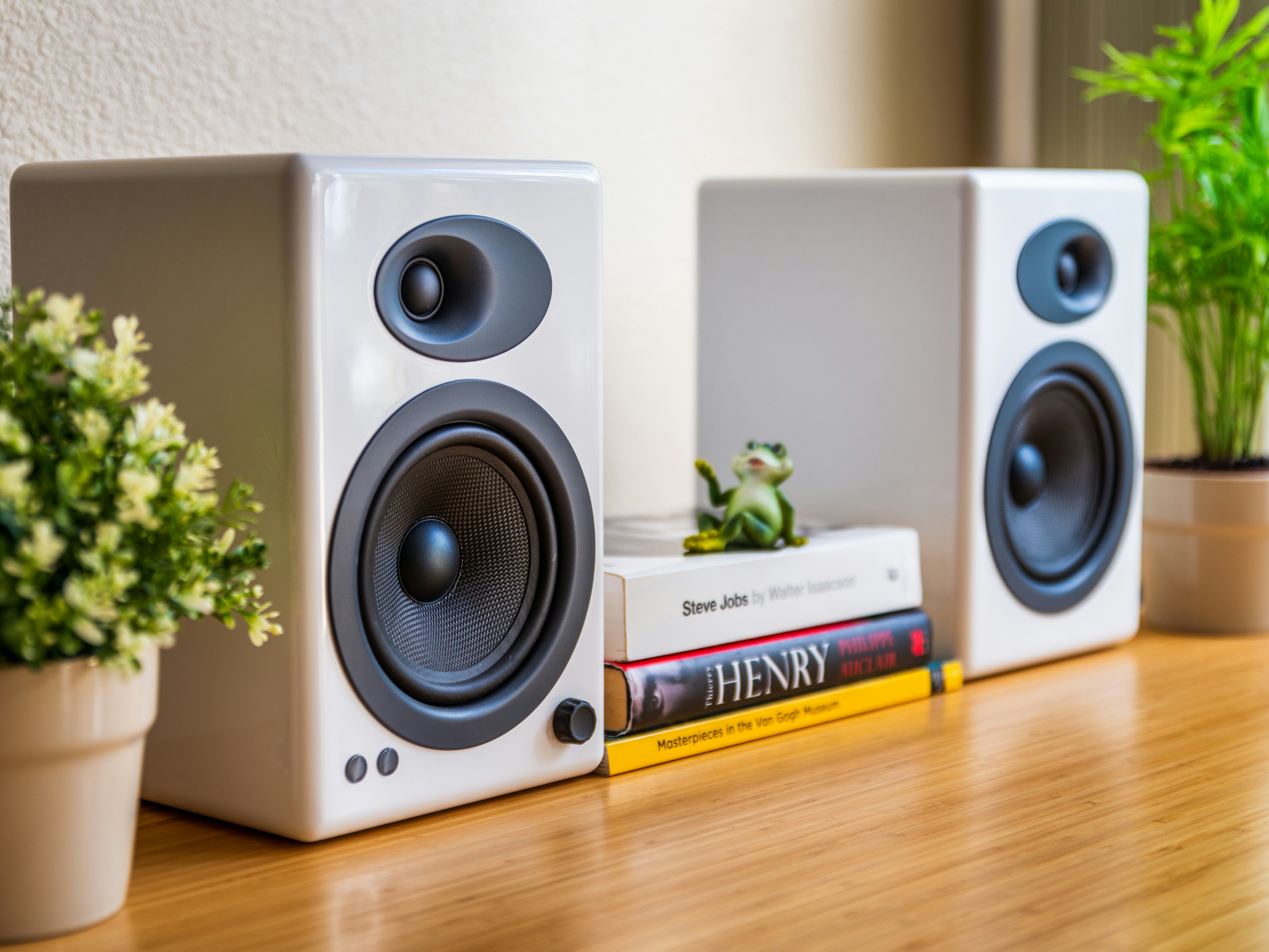
Near-field stereo positioning , speakers angled inward at ear level, forming an equilateral triangle with your head. This is the single biggest factor in desktop audio quality, and it costs nothing.
04 // The Real Decision: 2.0 or 2.1?
Get a 2.0 system if: your primary audio is voice (Zoom, podcasts, calls), desk space is limited, or you share a wall. The Edifier R1280T at $100 is the sweet spot , warm enough for music, clear enough for calls, and the 4-inch woofers produce enough low end that you will not miss a subwoofer.
Get a 2.1 system if: music or gaming is part of your workday, you have floor space for a subwoofer box, or your desk is in a room with a door. The Klipsch ProMedia 2.1 is the only 2.1 system under $200 worth buying.
Get neither , stick with headphones if: you work in an open-plan office, share a room with a partner, or need active noise canceling for focus. A good pair of ANC headphones is the correct tool for those environments.
05 // Speaker Positioning: The Free Upgrade
Desktop speaker positioning matters more than driver size. Place speakers at ear level, angled inward at 30 degrees, forming an equilateral triangle with your head. This creates a stereo image where voices sound like they are coming from your monitor, not two plastic boxes on your desk. If your dual monitor setup pushes your seating position back, adjust speaker width to match , the equilateral triangle rule scales with distance. For standing desk users, monitor arm-mounted speaker shelves keep speakers at ear level when the desk moves up and down. If your desk is under 48 inches wide, the Creative Pebble V3 is the only speaker in this roundup that fits without crowding a keyboard and mouse.
MEASURE BEFORE YOU BUY SPEAKERS
Speaker footprint matters on crowded desks. Our free Battlestation Ergonomic Calculator maps your desk dimensions, monitor position, and available surface area , so you know exactly how much room you have before ordering bookshelf speakers that arrive the size of shoeboxes.
LAUNCH CALCULATORSmartDeskDojo is reader-supported. When you buy through links on our site, we may earn an affiliate commission at no extra cost to you. As an Amazon Associate we earn from qualifying purchases.