AI VIDEO GENERATORS 2026: 8 TOOLS TESTED - ONLY 3 WORTH YOUR MONEY
DEPLOYED: SEPTEMBER 2026 • SECTOR: AI CREATIVE TOOLS
BY: J. MAC (LEAD BATTLESTATION ARCHITECT)
The AI video generation market crossed from experiment to commodity in 2026, and the noise is deafening. Runway, Pika, Pictory, Freebeat, Luma Dream Machine, InVideo, Sora, and Kling all claim to turn text into cinematic footage. The honest answer: only a handful ship outputs you would actually publish.
We tested eight tools across three real use cases: a 15-second YouTube intro, a music-video-style clip synced to a beat, and a talking-head marketing segment from a script. Before you buy, run your workstation specs through our ergonomic calculator to confirm your GPU and display can handle the render load.
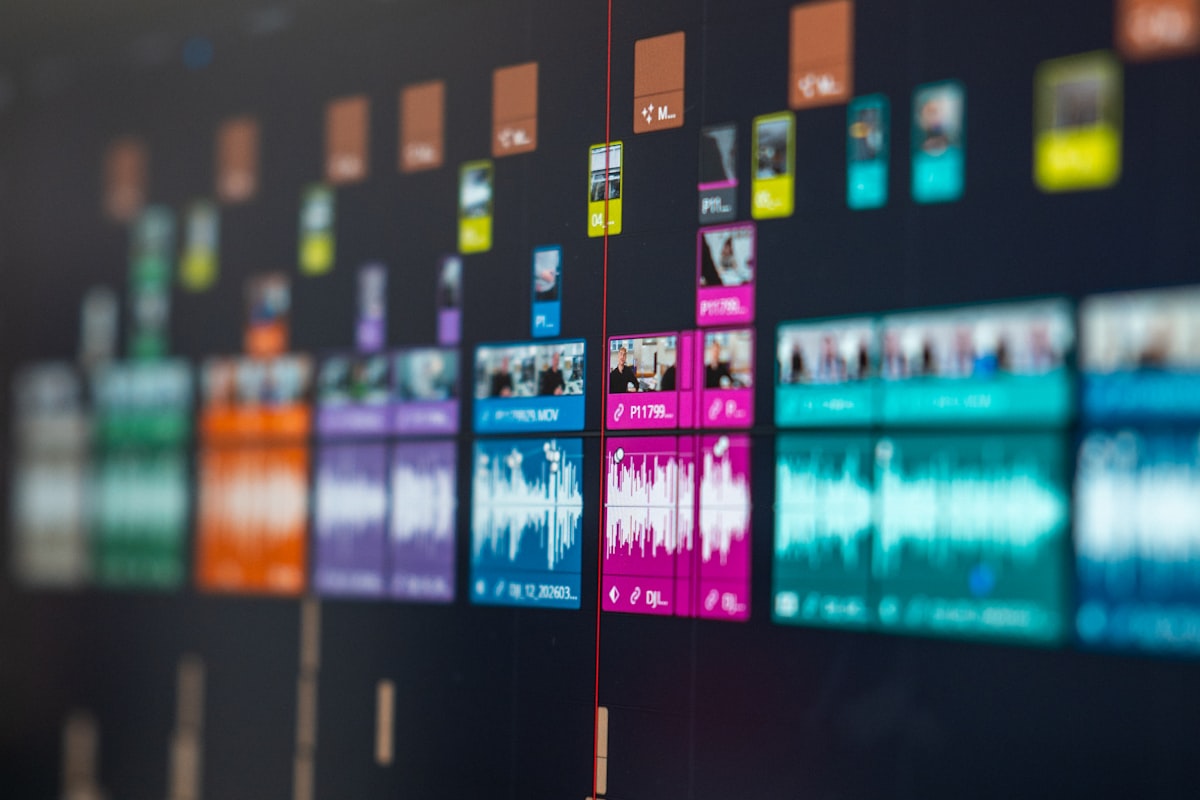
AI video generation starts with a prompt and ends in a timeline. The tools that look magical in a 10-second demo still require real editing work before the clip is publishable.
01 // THE DEMO VS REALITY GAP
The gap is measurable. Marketing demos show polished clips under ideal prompts. Real workflows hit three walls: prompt sensitivity (small wording changes produce different outputs), generation inconsistency (the same prompt yields different scenes across runs), and editing friction (most tools export short raw clips you still assemble and sync in a timeline).
The tools marketing 'turn text into a full video' almost always require heavy manual assembly. The tools worth buying are the ones that produce clips you would actually place on a timeline - not the ones that promise a finished video from a single sentence.
For creators building the full battlestation around content production, our monitor arm comparison covers the display real estate you need for timeline work, and our webcam and lighting guide covers what shows up on your own face in the final cut. A monitor light bar keeps glare off the timeline during long editing sessions, and task lighting for the desk handles the room around your workstation.

The real workflow: generate clips, assemble in a timeline, fix the glitches. Tools that skip the timeline promise rarely deliver a finished video.
02 // EIGHT TOOLS HEAD-TO-HEAD
We tested across three use cases. Scoring: 1 (avoid) to 5 (publish-ready with minimal editing).
| Tool | Pricing Model | YouTube Intro | Music Video Clip | Script-to-Video | Reality Check |
|---|---|---|---|---|---|
| Runway Gen-3 | $12-75/month | 4 | 5 | 3 | Cinematic quality, editor control. The benchmark most others chase. |
| Pika | $8-30/month | 3 | 5 | 2 | Strong on stylized and meme-friendly clips. Discord-driven creative community. |
| Pictory | $19-99/month | 2 | 1 | 4 | Best for script-to-video and marketer-style talking head. Weak on cinematic. |
| Freebeat | Subscription | 2 | 5 | 1 | Music-video niche: syncs cuts to audio rhythm. Underserved angle. |
| Luma Dream Machine | Usage-based | 4 | 4 | 2 | High-quality outputs, viral potential. Free tier available. |
| InVideo | $20-60/month | 3 | 1 | 4 | Broad use case, good entry-level. Script-to-video fastest to publish. |
| Sora (OpenAI) | Waitlist / limited | - | - | - | Hype is real, access is not. Restricted tester pool as of Aug 2026. |
| Kling | Waitlist / regional | - | - | - | Impressive outputs in demos, access still rolling out in waves. |
The pricing spread matters. Pika's $8/month entry point is the cheapest way to test AI video at all, while Runway's $12-75 range puts it above the impulse buy line. Most buyers who try three tools and pick the winner spend less than the cost of a single Runway month anyway.
IS YOUR WORKSTATION READY FOR AI VIDEO RENDERING?
AI video generation pushes GPU load and display real estate hard. Use the Battlestation Ergonomic Calculator to confirm your monitor height, desk position, and chair settings match a long rendering session - before your back pays for it.
LAUNCH CALCULATOR03 // DEEP DIVE: RUNWAY GEN-3
Runway leads on cinematic quality and editor control. Gen-3 outputs clips that actually belong on a timeline - consistent lighting, coherent motion, and enough resolution to hold up in a 1080p export. The editing UI is the real differentiator: you get per-clip control over motion strength, seed, and style reference, which matters when the same prompt gives you three different results.
The tradeoff is price and queue time. At $12-75/month, it lands above Pika's entry tier, and peak-hour generation can queue. For creators who need publishable clips and have the budget, Runway is the benchmark. Pair your editing rig with a monitor light bar to keep screen glare off your timeline. For dedicated creators building a content studio, our webcam and lighting guide covers what shows up on camera when you record your own screen captures.
THE UPGRADES (PROS)
- Cinematic clip quality that holds up in a final export
- Per-clip control over motion, seed, and style reference
- Editor-native workflow for timeline assembly
THE TRADEOFFS (CONS)
- $12-75/month pricing sits above entry-tier competitors
- Queue times spike during peak hours
- Still requires manual timeline assembly - not a one-click video
04 // DEEP DIVE: PIKA
Pika wins on stylized output and creative community. The Discord-driven prompt culture means you can see what other creators are generating in real time, steal good prompt patterns, and iterate fast. For music-video-style clips and meme-friendly content, Pika's stylized engine produces results that look intentionally artistic rather than accidentally glitchy.
The limitation is realism. Pika is not the tool for a photoreal YouTube intro or talking-head segment. Its strength is style, not fidelity. Pricing sits at $8-30/month with a referral program - the cheapest path to genuinely interesting AI video. For long creative sessions, pair it with an ergonomic chair under $500 and a vertical ergonomic mouse to keep your input comfortable through marathon editing sessions.
THE UPGRADES (PROS)
- Best stylized and creative-clip output of the eight tested
- Active Discord community with live prompt sharing
- $8/month entry point lowers the commitment barrier
THE TRADEOFFS (CONS)
- Weak on photorealism and script-to-video workflows
- Prompt sensitivity can swing outputs widely
- Not the right tool for talking-head or marketing video
05 // DEEP DIVE: LUMA DREAM MACHINE
Luma Dream Machine sits in the high-quality, viral-potential tier. The outputs are sharp, motion is coherent, and the free tier lets you test before committing. For creators who want strong clips without a subscription commitment upfront, Luma is the best free-on-ramp of the accessible tools.
The limitation is breadth. Luma generates clips, and you assemble them elsewhere - it is not a one-stop editor. Usage caps on the free tier mean heavy users hit limits fast. For a workstation that handles the render load, check our under-desk PC mount guide for tower clearance and our Thunderbolt dock comparison for GPU connectivity.
THE UPGRADES (PROS)
- High-quality outputs that rival Runway on select prompts
- Free tier available - test before you commit
- Viral potential on social platforms from strong single clips
THE TRADEOFFS (CONS)
- Usage caps on free tier limit heavy testing
- Not a full video editor - assembly happens elsewhere
- Queue times vary with demand
06 // THE THREE WORTH YOUR MONEY
Cut the list to the tools worth a subscription in 2026.
| Use Case | Pick | Why | Starting Price |
|---|---|---|---|
| Cinematic YouTube content | Runway Gen-3 | Best clip quality and editor control. The benchmark for publishable outputs. | $12/month |
| Music videos and stylized clips | Pika | Stylized engine and Discord community produce intentionally artistic clips, not accidental glitches. | $8/month |
| Script-to-video, marketing, talking head | InVideo | Fastest path from script to publishable video. Broad use case, good entry-level. | $20/month |
07 // THE TOOLS TO SKIP (OR WAIT ON)
Sora and Kling generated enormous hype but access remains limited as of August 2026. Sora is in a restricted tester pool; Kling is rolling out in waves by region. Both may be worth watching, but neither is a tool you can buy and use today for a real project. If you need a tool now, the accessible options are Runway, Pika, Luma, and InVideo.
Pictory and Freebeat serve narrow niches - Pictory for script-to-video marketing, Freebeat for music-video sync. Worth it if your project fits the niche. For general creative work, too narrow to justify a standing subscription.
A cluttered desk with a running PC and a monitor at the wrong height is a bad platform for creative work. Run your measurements through the SmartDeskDojo Ergonomic Calculator before you commit to a rendering schedule, and read our standing desk buyer's guide to lock in the foundation height.
08 // FINAL VERDICT
For most creators in 2026, start with Runway Gen-3 at $12/month if you need cinematic clips for YouTube or portfolio work. Editor control and output quality justify the subscription for anyone publishing regularly.
Layer Pika on top for stylized and music-video-style clips - the Discord community and creative prompt culture make it the cheapest path to genuinely interesting AI video. For script-to-video and marketing content, InVideo is the fastest path from script to published clip.
Test Luma Dream Machine on the free tier before committing - if the outputs match your style, it is a strong alternative to Runway for single-clip work. Skip Sora and Kling until access opens up. Treat the demo-vs-reality gap as the real buying criterion: the tool that produces a clip you would actually place on a timeline is the one worth your money, not the one with the flashiest marketing reel.
A fast creative workstation on a poorly placed monitor with a keyboard that fights your hands is a net-negative workflow. Run your measurements through the SmartDeskDojo Ergonomic Calculator, and pair your tools with the right ergonomic keyboard if you're transcribing scripts or editing text-heavy projects.